재생
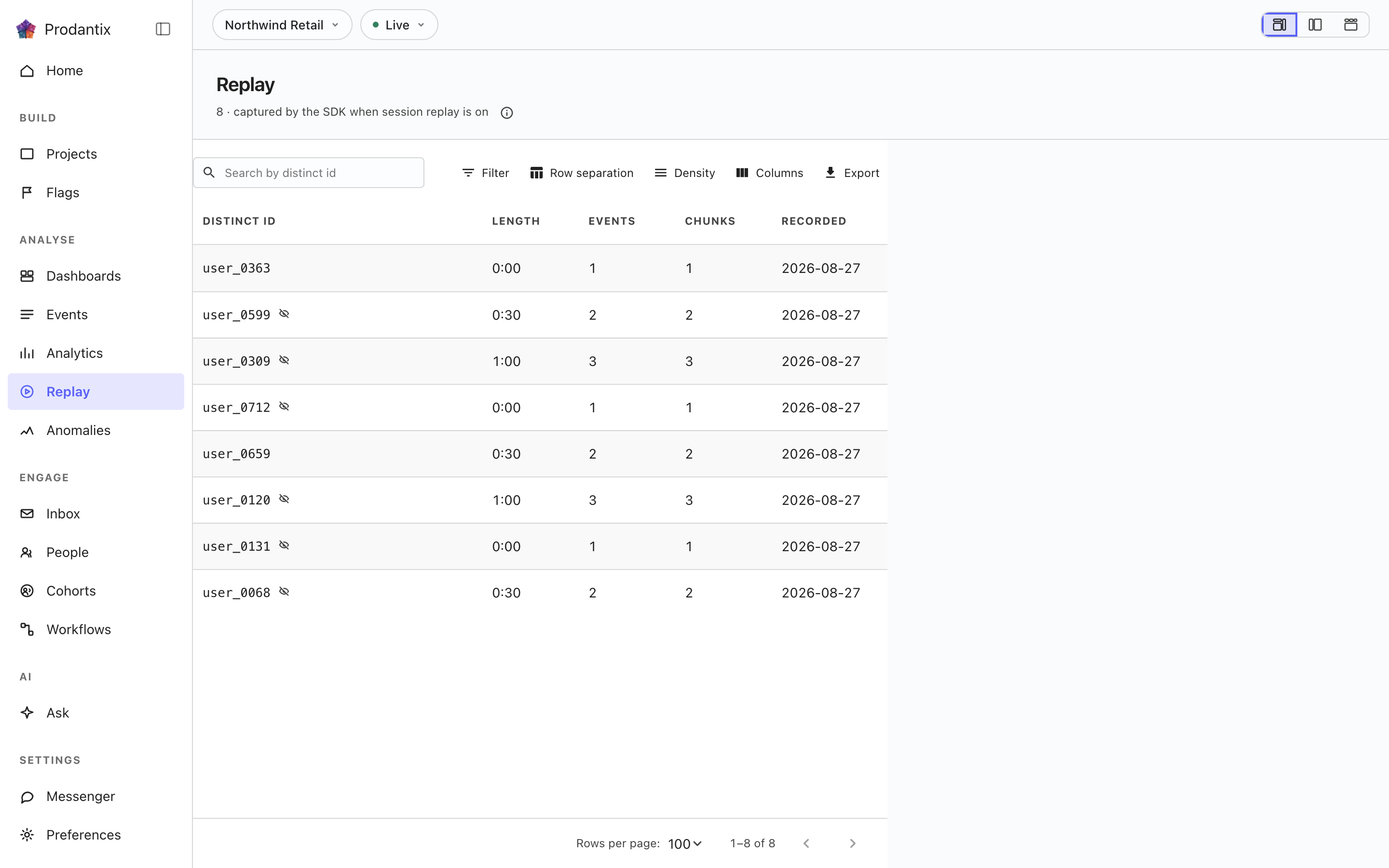
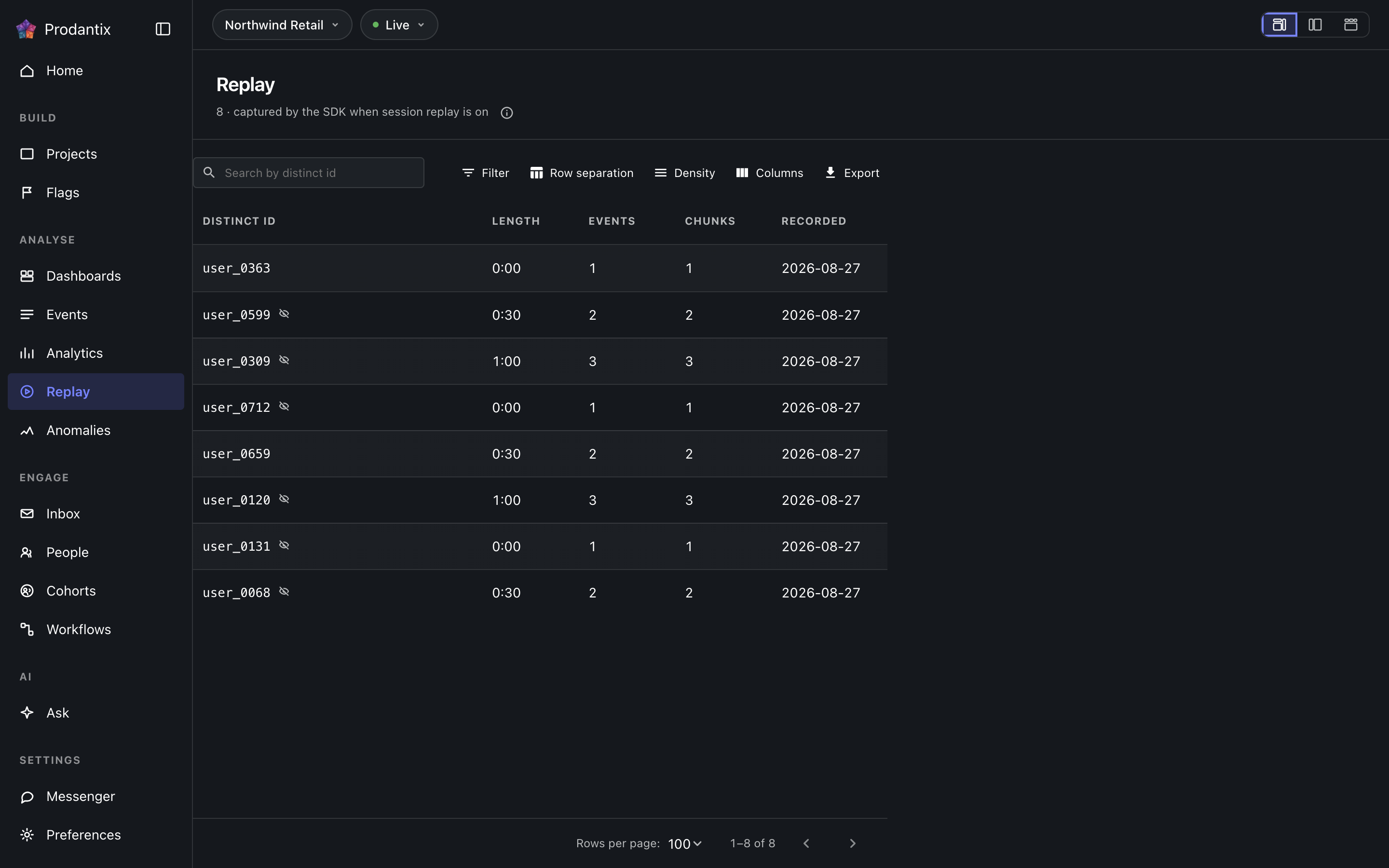
기록된 세션을 다시 보는 곳: 각 행은 하나의 세션이며 누구의 것인지, 언제 기록됐는지, 얼마나 담고 있는지를 보여줍니다. 선택하면 플레이어가 열리고, 마스킹된 기록은 스스로 마스킹됐다고 말합니다.
The sessions
Every recorded session the project holds: who it belongs to, when it was recorded, how long it runs and how many chunks it spans. The search narrows by the person the session belongs to, and a session recorded with masking on wears a masked chip, in the list and again beside the player, because what the recording deliberately does not show should never read as breakage.
The player
Selecting a session opens the player beside its metadata: play and pause, previous and next, speed, a timeline to scrub and the session identifier naming whose recording it is. The recording streams in chunks fetched on demand through short-lived links; a link that has expired says so and offers a reload rather than failing quietly.
Three arrangements
Session grid, Theater and Review queue are three arrangements of the same list and player: the grid is the flat table, Theater puts the list beside a large stage, and the Review queue walks sessions one after another and says where in the review you are. The choice is a stored preference per person, set here or on the Preferences screen under Layouts. Switching arrangements starts on the Growth plan; the Starter plan reads the Review queue.
Where this meets the API
The concept behind the screen is the Replay pillar. On the wire: the list is the replaySessions query and playback is replayChunks, whose chunk links are short-lived by design (GraphQL reference). Recordings arrive from the SDK through the recorder edge alongside event ingestion.