프로젝트
프로젝트가 만들어지고 자격 증명이 사는 곳: 모든 프로젝트는 Live와 Test 환경을 가지며, 각각 고유한 인제스트 키와 서명 시크릿이 있습니다. 로테이션에는 유예 기간이 있어 배포가 따라잡을 수 있고, 시크릿은 발급되는 그 순간 딱 한 번만 표시됩니다.
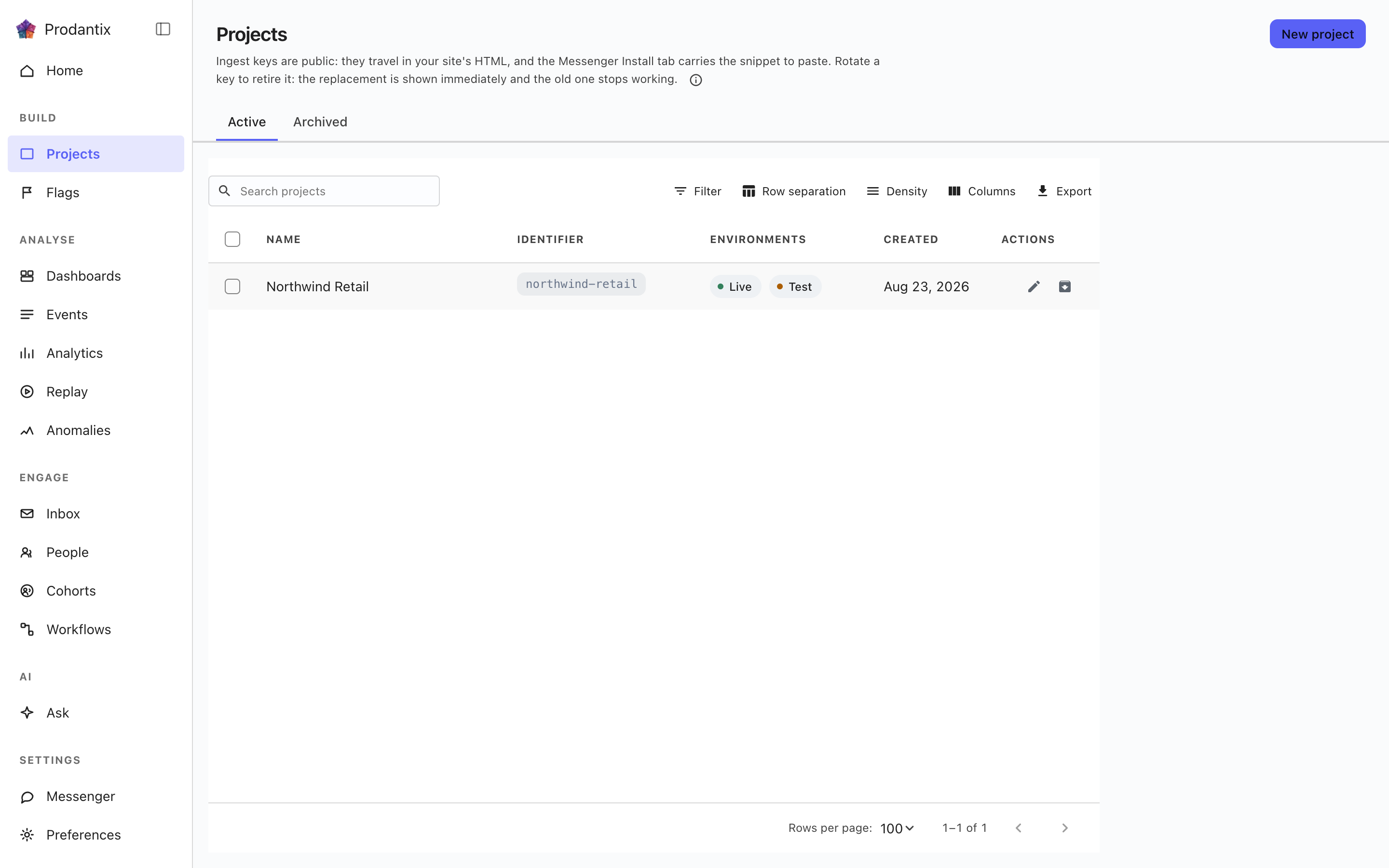
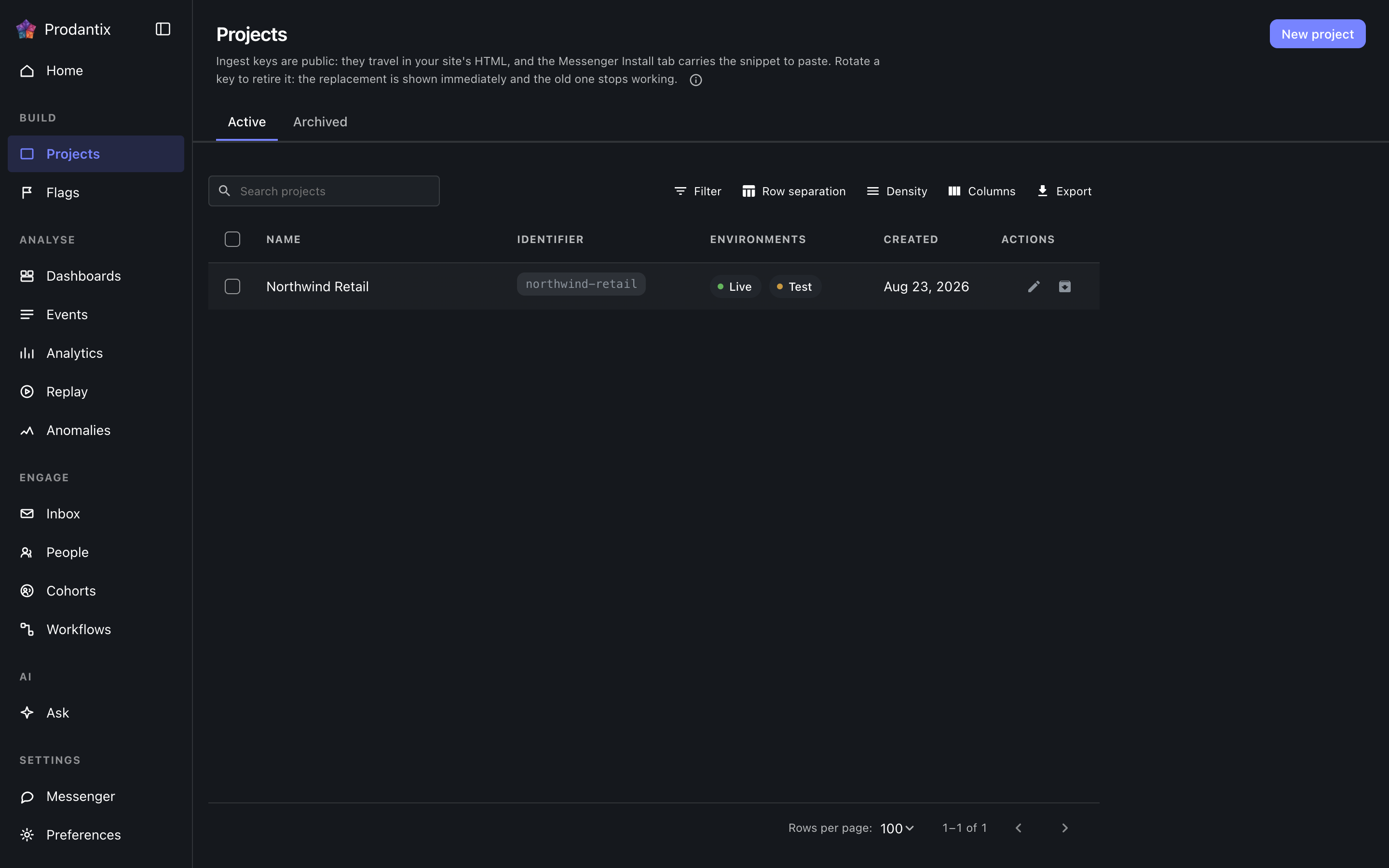
The grid
Each row is one project: its name, its identifier chip, which environments it carries, a masked glimpse of its ingest key and when it was made. The Active and Archived tabs split the population, the search narrows by name, and New project opens a dialog that creates the project and reveals both credentials for Live and Test in the dialog itself: the ingest keys, which stay readable on the Messenger Install tab, and the signing secret, which is shown only there.
Renaming and archiving live on the row. Archiving asks for the project identifier to be typed back, because an archived project stops accepting traffic; the Archived tab restores.
Opening a project
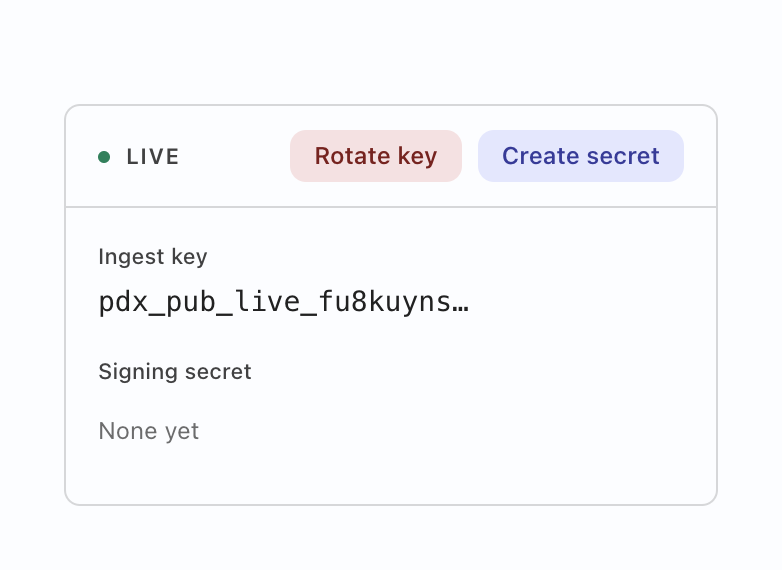
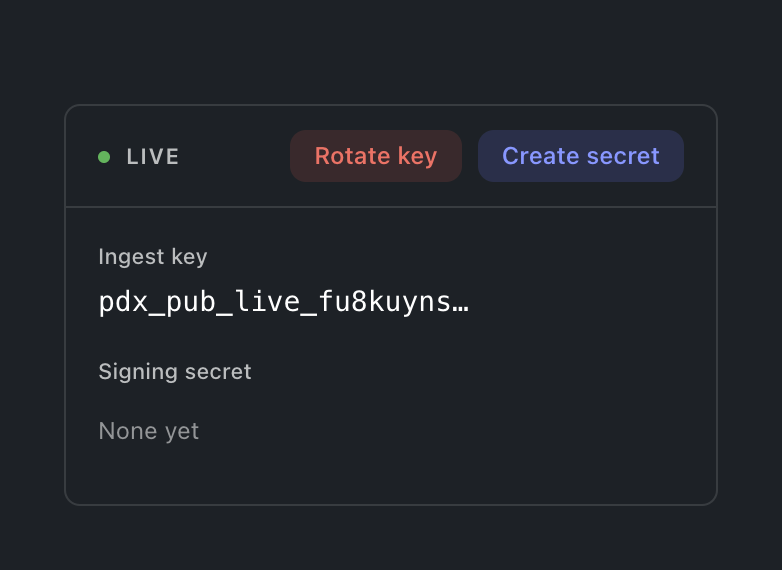
Selecting a row opens the project: a card for the environment the console is in, carrying both credentials labelled. Deliberately not both cards at once: showing the Test key while working in Live is a mix-up waiting to happen, so the other environment's card appears by switching environment. The ingest key is what SDKs send events with; rotating it offers a grace window (immediately, one hour, a day or a week) during which the old key still ingests, so a fleet mid-deploy does not drop events. The signing secret is what the Messenger's identity verification signs with; its action reads Create until one exists and Rotate after. Either mint prints the new value exactly once, and a replaced secret says it replaced one, so an accidental rotation is visible before it bites.
방문자를 그 사람에게 결합하기
프로젝트 카드에는 환경마다 스위치가 하나 있습니다. 로그인 전 활동 유지라는 스위치입니다. 켜져 있으면 한 사람이 로그인 전에 한 활동이 별도의 방문자로 집계되는 대신 본인에게 그대로 남습니다. 처음에는 꺼져 있으며, 이를 읽는 것은 상태 워커이지 브라우저가 아닙니다. 따라서 SDK가 무엇을 보내든, 이를 선택하지 않은 프로젝트에서는 결합이 결코 일어나지 않습니다. 끄면 다음 결합이 멈추지만 이미 결합된 것은 풀리지 않습니다. 프로젝트 쓰기 권한이 없는 구성원에게는 스위치가 현재 상태 그대로 보이며 움직일 수 없습니다.
구성 복사
한 환경에서 구성한 모든 것은 이 워크스페이스의 어떤 프로젝트의 어떤 다른 환경으로도 복사할 수 있으며, 한 번의 작업으로 여러 대상에 적용됩니다. 프로젝트 페이지의 구성 복사는 대화 상자를 비어 있는 상태로 엽니다. 코호트, 플래그, 실험, 보드, 워크플로, 연결 위의 복사 대상…은 해당 객체가 이미 선택된 상태로 엽니다. 무엇을 복사할지 트리에서 고르고(한 종류를 고르면 그 아래 전부가 포함되며, 필터로 범위를 좁힐 수 있습니다), 어디로 복사할지 고른 다음, 대상을 하나씩 검토합니다. 각 객체는 생성되는지, 덮어쓰는지, 변경이 없는지, 대상에 없는 무언가가 필요한지(추가하거나 그 객체를 제외합니다), 아니면 거부되었는지를 알려 주며, 덮어쓰기는 무엇이든 기록되기 전에 바뀌는 모든 필드를 보여 줍니다. 스위치(플래그의 제공 스위치, 워크플로의 켜짐과 꺼짐, 메신저의 사용 설정, 실험의 실행 상태, 코호트의 활성 스위치)는 검토 화면의 스위치도 함께 복사가 켜져 있을 때에만 따라갑니다. 검토가 필요한 대상에서는 플래그가 변경 요청이 됩니다. 각 대상은 따로 적용되므로 하나가 거부되어도 나머지가 멈추는 일은 없습니다.
Where this meets the API
What the keys are for is the Keys guide. On the wire: the listing is the projectGroups query, creation and lifecycle are createProject, renameProject and archiveProject, the credentials rotate through rotateProjectKey and rotateSigningSecret, and the Identity switch reads identityLinkEnabled and writes setIdentityLinkEnabled (GraphQL reference). The ingest key authenticates event ingestion; the signing secret backs Messenger identity verification (Messaging pillar).