플래그
프로젝트 기능 플래그가 사는 곳: 각 플래그의 상태, 서빙 비율, 수명 주기 단계를 그 자리에서 편집하고 릴리스 없이 적용합니다. 화면은 Live와 Test 환경을 따로 제공하므로 변경을 트래픽에 닿기 전에 리허설할 수 있습니다.
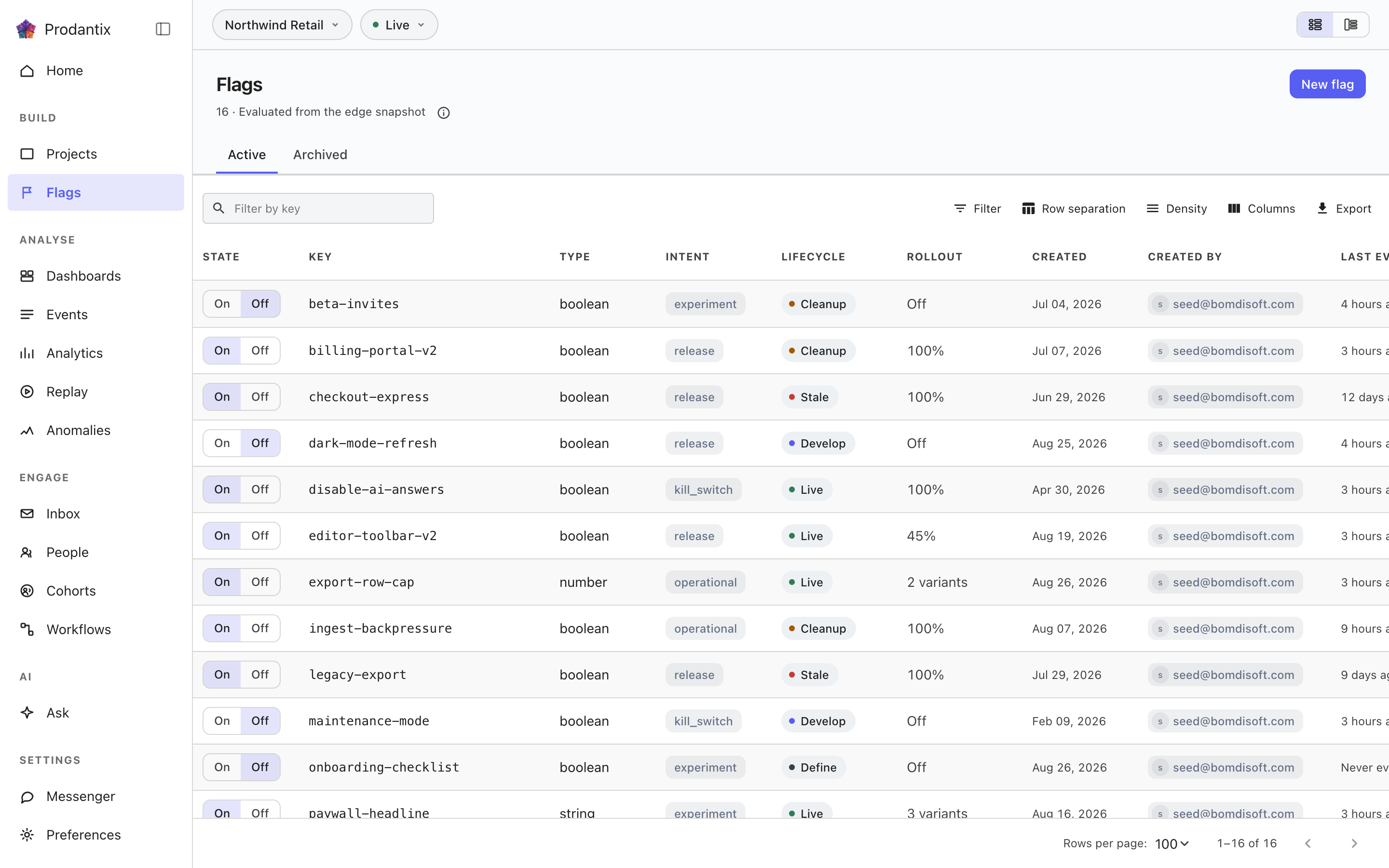
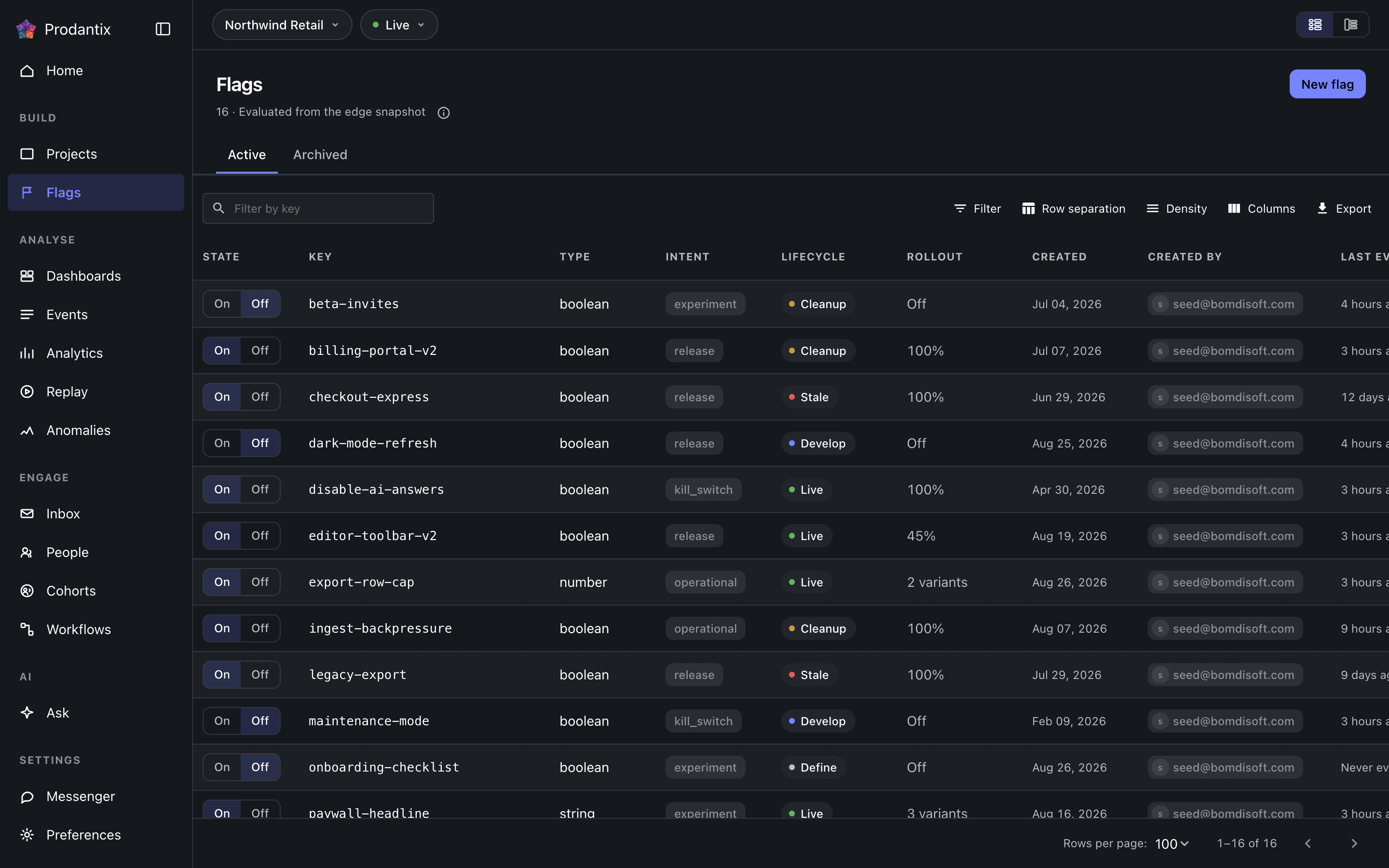
The grid
Each row is one flag: its key, its state toggle, how much traffic it serves and when it was last evaluated. Rows carry a lifecycle stage, and the ordering surfaces the stages that want attention first: stale (nothing has evaluated it lately) and cleanup (past the lifespan its intent declares) sort ahead of live, develop and define. The toolbar narrows by search, the Active and Archived tabs split the population, and the grid's layout is a stored preference.
Flipping a toggle asks for confirmation before it changes what traffic sees, and the write is permission-gated: a reader without the flags write grant sees the state without the lever.
Opening a flag
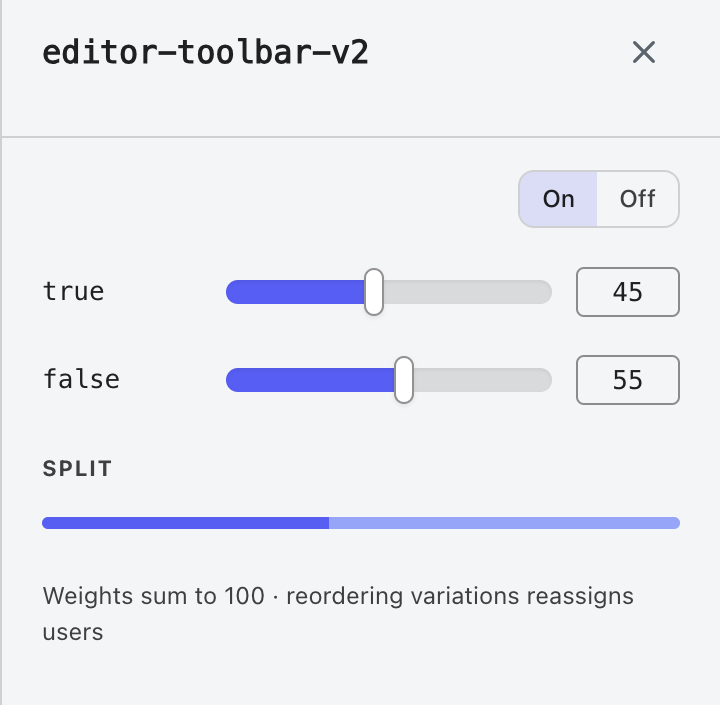
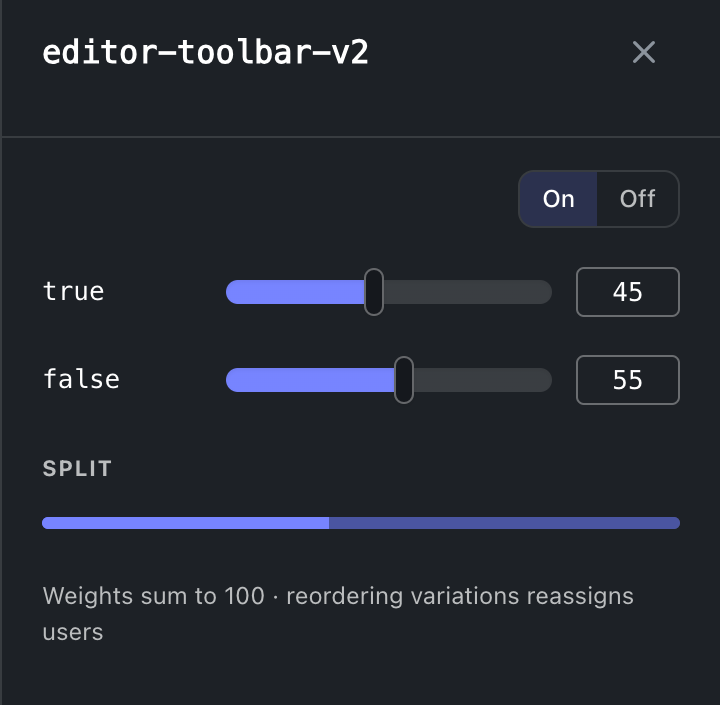
Selecting a row opens the flag: its description, intent, rollout and variations. Variation weights rebalance as you drag, so the set always sums to one hundred rather than failing on save. Archiving asks first and archived flags keep their history: the Archived tab restores them. A flag deep-links as ?flag=<key>, so a row in a code review can point at the exact switch it discusses.
Experiments
An experiment cannot exist without a flag, so experiments live here rather than under an entry of their own. The Experiments tab lists every experiment of the project, Active or Concluded by the filter on its toolbar, each row saying how many users it exposed and which arm leads on its primary metric with how much confidence, or the winner once concluded, and docks the results pane beside the grid; while that tab is current the head's button reads New experiment. A flag's own panel carries an Experiment tab beside Details and History: the experiment on that flag with its results and actions, New experiment already set to that flag when it has none and two or more variations, or the reason it cannot host one. A flag whose experiment is running carries an Experiment chip in the grid's Key cell beside the Review chip, and the old address, /experiments, forwards to the tab. The concept is the Experiments pillar.
행의 복사 대상…은 이 객체가 이미 선택된 상태로 구성 복사를 엽니다. 프로젝트, 구성 복사를 참고하세요.
Where this meets the API
The concept behind the screen is the Flags pillar. On the wire: reads are GET /v1/flags and GET /v1/flags/snapshot (API reference), writes are the upsertFlag and archiveFlag mutations (GraphQL reference), every change fans out as flagChange on the project room (Realtime events), and agents reach the same operations through prodantix.flags.list, .upsert and .archive (MCP tools).