Proyectos
Donde nacen los proyectos y viven sus credenciales: cada proyecto lleva un entorno Live y otro Test, cada uno con su propia clave de ingesta y secreto de firma. La rotación llega con una ventana de gracia para que un despliegue alcance, y un secreto se muestra exactamente una vez, al crearse.
The grid
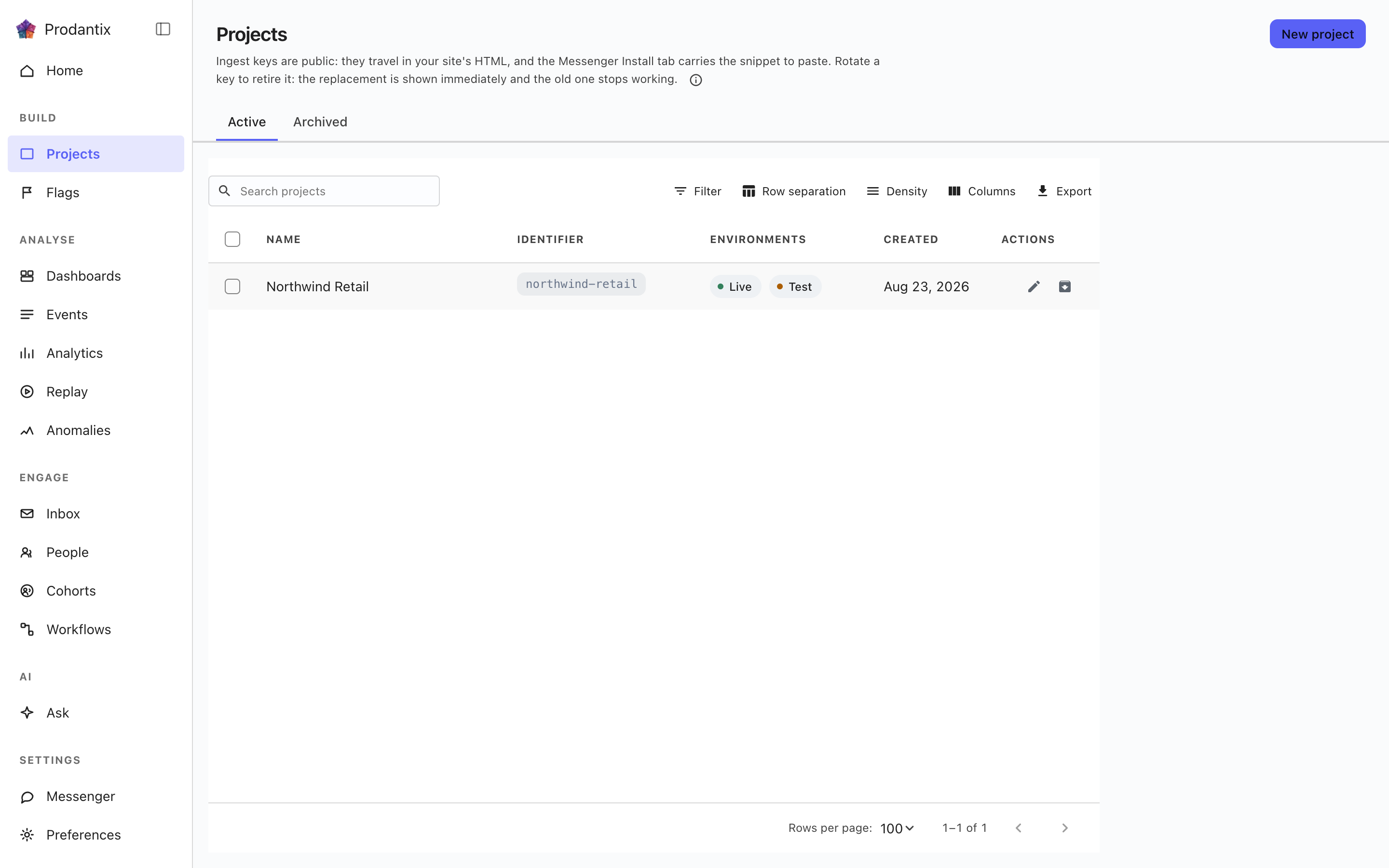
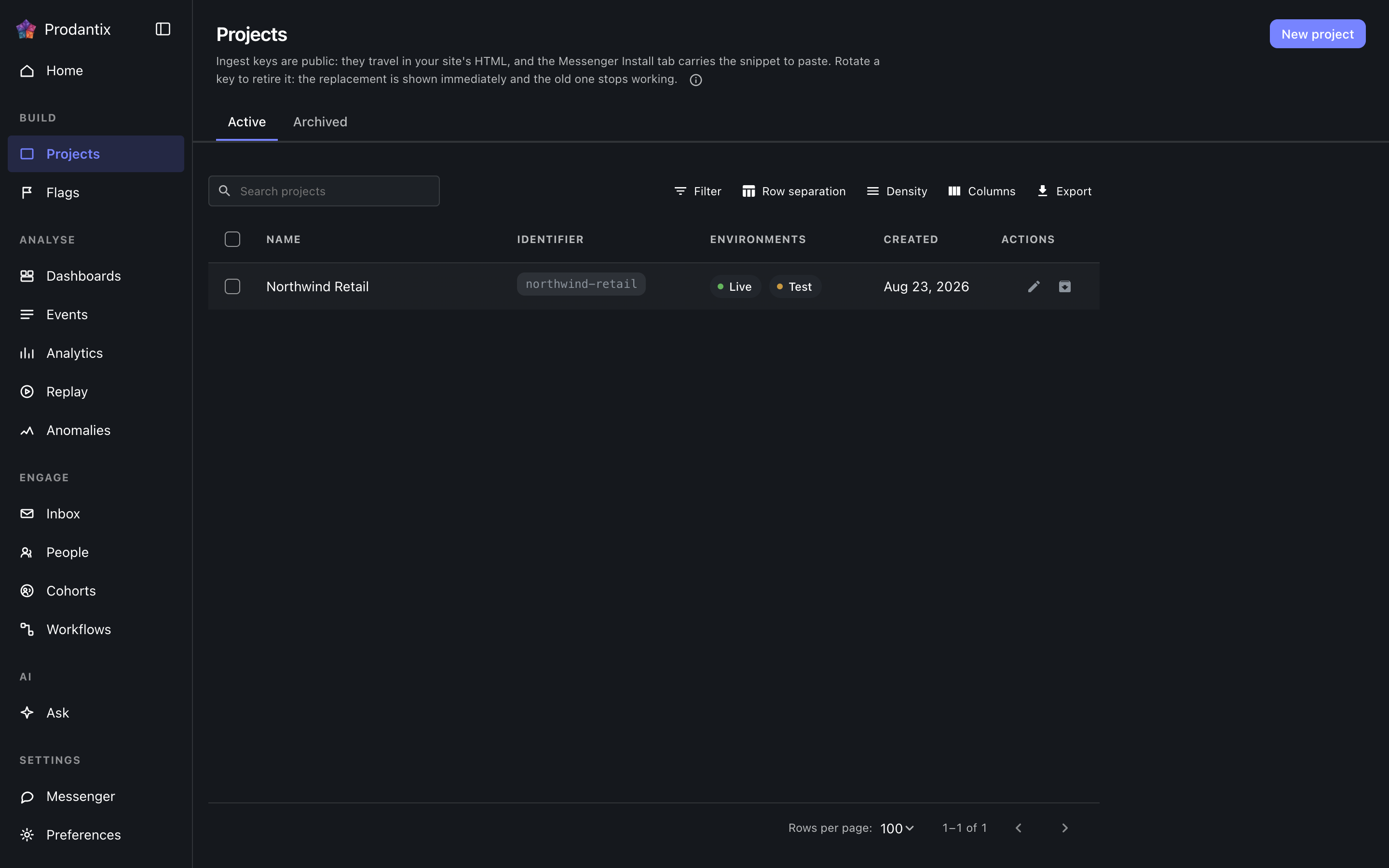
Each row is one project: its name, its identifier chip, which environments it carries, a masked glimpse of its ingest key and when it was made. The Active and Archived tabs split the population, the search narrows by name, and New project opens a dialog that creates the project and reveals both credentials for Live and Test in the dialog itself: the ingest keys, which stay readable on the Messenger Install tab, and the signing secret, which is shown only there.
Renaming and archiving live on the row. Archiving asks for the project identifier to be typed back, because an archived project stops accepting traffic; the Archived tab restores.
Opening a project
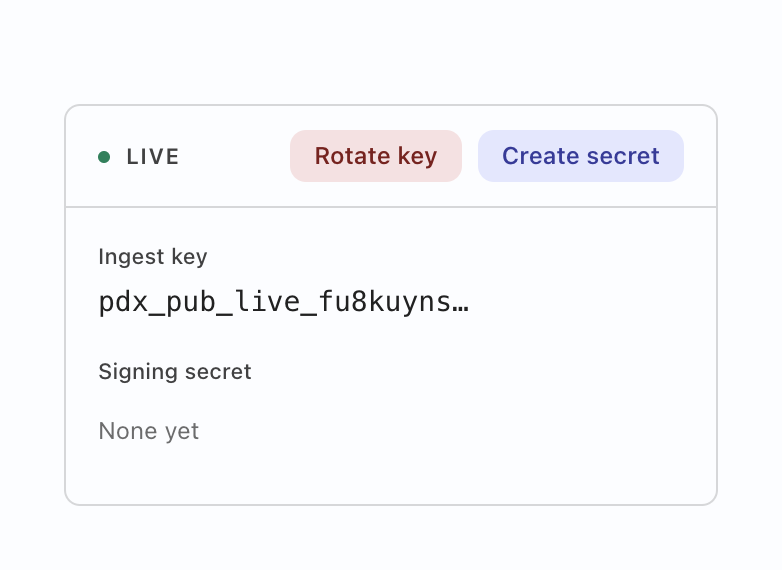
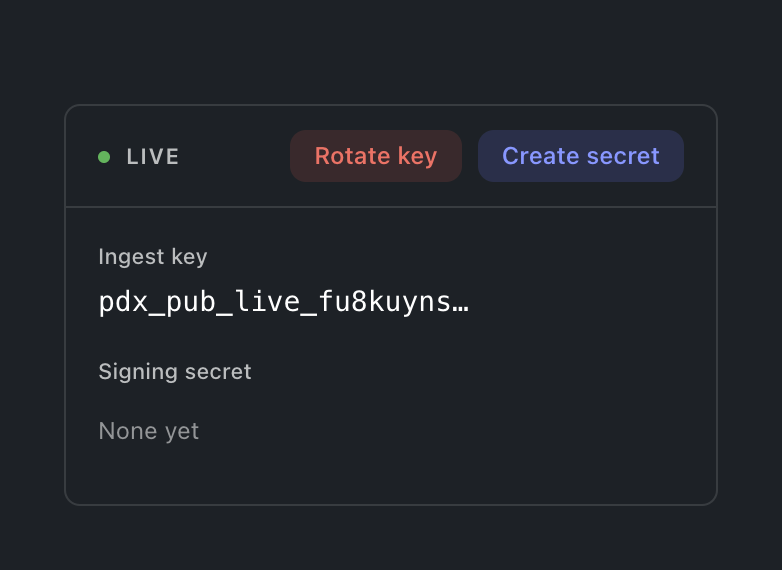
Selecting a row opens the project: a card for the environment the console is in, carrying both credentials labelled. Deliberately not both cards at once: showing the Test key while working in Live is a mix-up waiting to happen, so the other environment's card appears by switching environment. The ingest key is what SDKs send events with; rotating it offers a grace window (immediately, one hour, a day or a week) during which the old key still ingests, so a fleet mid-deploy does not drop events. The signing secret is what the Messenger's identity verification signs with; its action reads Create until one exists and Rotate after. Either mint prints the new value exactly once, and a replaced secret says it replaced one, so an accidental rotation is visible before it bites.
Unir a un visitante con la persona
Un interruptor por entorno en la tarjeta del proyecto: Conservar la actividad previa al inicio de sesión. Activado, la actividad de una persona antes de iniciar sesión permanece asociada a ella, en lugar de contarse como un visitante distinto. Empieza desactivado, y quien lo lee es el worker de estado, no el navegador, así que mande lo que mande un SDK, la unión nunca ocurre para un proyecto que no la ha elegido. Desactivarlo detiene la siguiente unión y no deshace nada ya unido. Un miembro sin la acción de escritura del proyecto ve el interruptor en el estado en que está y no puede moverlo.
Copiar la configuración
Todo lo que configura en un entorno puede copiarse a cualquier otro entorno de cualquier proyecto de este espacio de trabajo, en una sola operación con varios destinos. Copiar la configuración, en la página Proyectos, abre el diálogo vacío; Copiar a… en una cohorte, una bandera, un experimento, un tablero, un flujo de trabajo o una conexión lo abre con ese objeto ya marcado. Elija en el árbol qué copiar (un tipo se lleva todo lo que hay debajo, y el filtro estrecha la vista), elija adónde y luego revise un destino cada vez: cada objeto dice si se crea, se sobrescribe, queda sin cambios, necesita algo que falta en el destino (añádalo o descarte el objeto) o si se rechaza, y una sobrescritura muestra todos los campos que cambian antes de que se escriba nada. Los interruptores (el interruptor de entrega de una bandera, el encendido y apagado de un flujo, la activación del mensajero, el estado en marcha de un experimento, el interruptor activo de una cohorte) solo viajan cuando Copiar también los interruptores está activado en la revisión. Un destino que exige revisión convierte sus banderas en solicitudes de cambio. Cada destino se aplica por su cuenta, así que un rechazo nunca retiene a los demás.
Where this meets the API
What the keys are for is the Keys guide. On the wire: the listing is the projectGroups query, creation and lifecycle are createProject, renameProject and archiveProject, the credentials rotate through rotateProjectKey and rotateSigningSecret, and the Identity switch reads identityLinkEnabled and writes setIdentityLinkEnabled (GraphQL reference). The ingest key authenticates event ingestion; the signing secret backs Messenger identity verification (Messaging pillar).