Guardado
Donde vive lo que guardas del banco de trabajo, en tres pestañas. Tableros: cada tablero es una colección de tarjetas guardadas, y cada tarjeta vuelve a ejecutar su propia consulta en cada apertura, así que los números están vivos y no son instantáneas. Informes: una pregunta guardada que vive en un tablero, con una descripción y un historial de versiones. Insights: una pregunta guardada entera, su editor y su gráfico, reabierta en el banco de trabajo con todo tal como estaba. Todas las pestañas buscan por nombre; los tableros se crean, renombran, duplican y eliminan, los informes se renombran, se mueven, se duplican y se eliminan con Undo, y los insights se renombran, se anclan a un tablero o se eliminan.
Boards
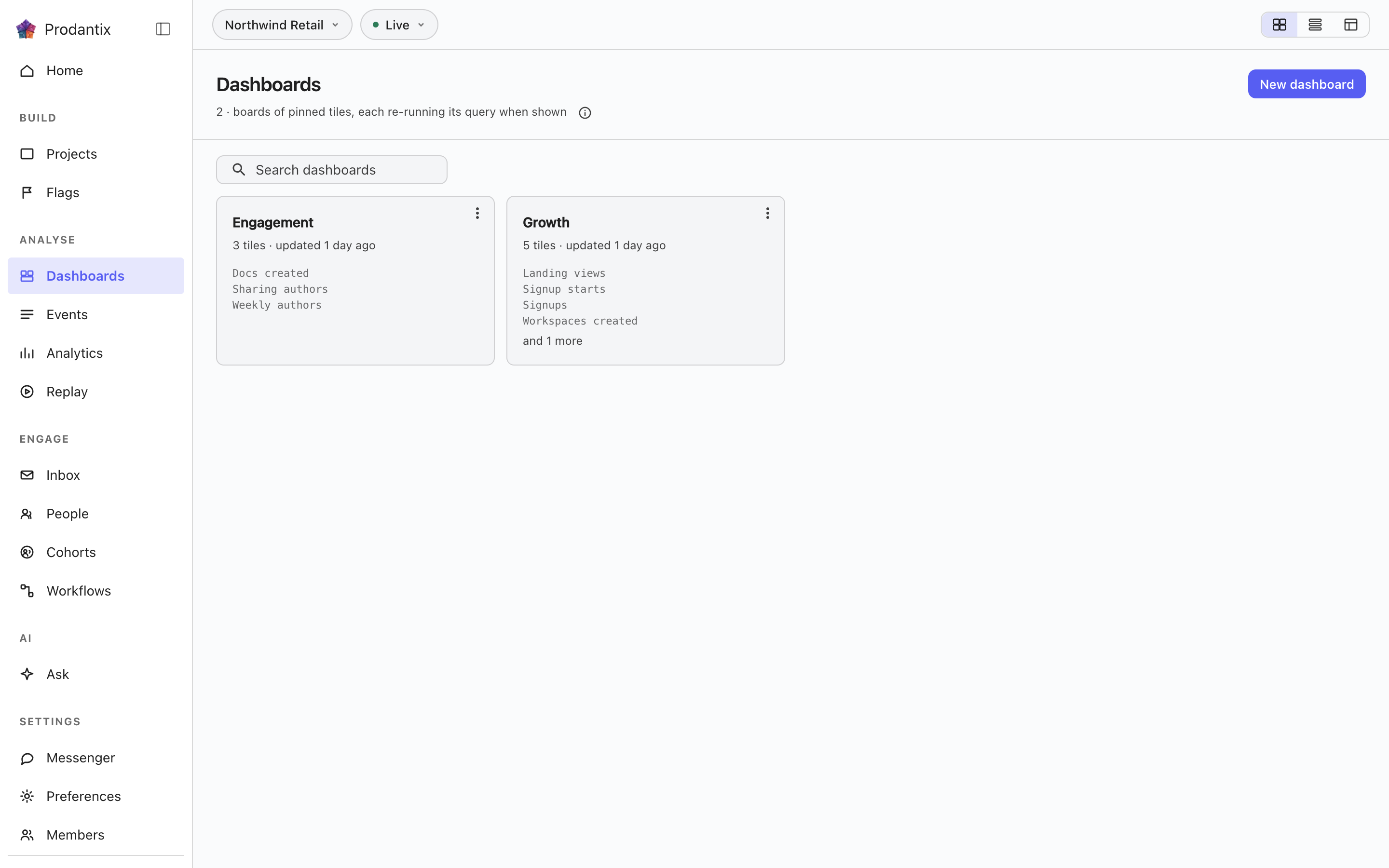
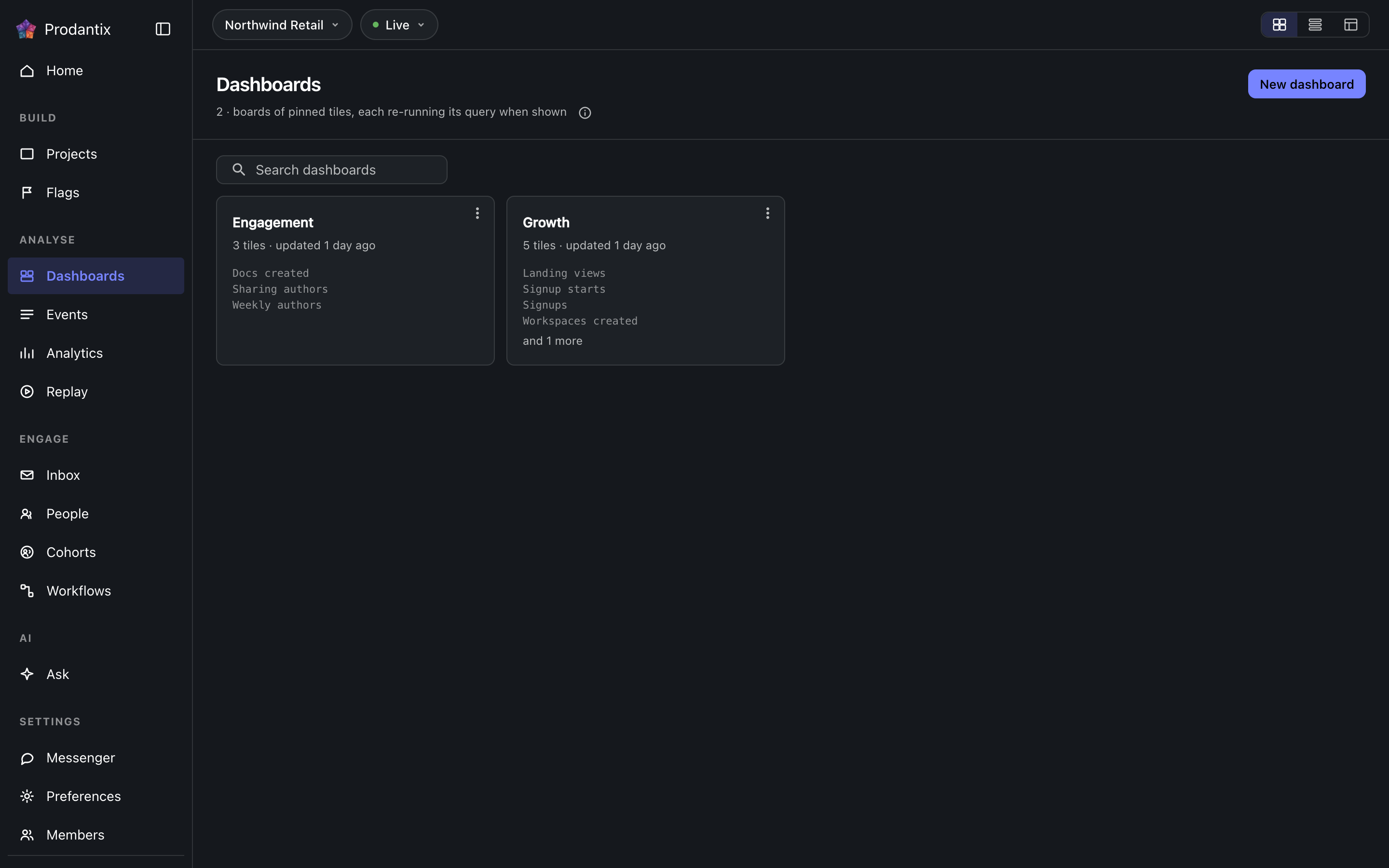
Every board in the project on the Boards tab, searchable by name, with the count in the page head describing the whole library rather than the narrowed view. New board names a board and opens it empty; a board's row menu renames, duplicates or deletes it, and deleting asks first because a board's tiles are the only copy of their saved questions. How the tab presents, as cards, rows or a table, is a stored preference per person, picked on the tab's own bar. Switching arrangements starts on the Growth plan; the Starter plan reads cards.
Reports
Un informe es una pregunta guardada que vive en un tablero, bajo un nombre y una descripción, con cada cambio conservado como versión. Se guarda desde el menú Save del banco de trabajo, Save as report, en dos pasos: primero el nombre y la descripción, luego el tablero donde vive, elegido en una lista con búsqueda de tres filas de alto y New board debajo. La pestaña Reports lista cada informe del proyecto como una ficha: el nombre lo abre en el banco de trabajo, sigue la descripción, y la línea de meta dice en qué tablero está, su versión y cuándo se actualizó por última vez. La búsqueda coincide con el nombre y la descripción. El menú de la ficha lo abre, lo renombra, lo mueve a otro tablero, lo duplica o, bajo el separador, lo elimina. Eliminar pregunta primero y se lleva las versiones; eliminar o mover ocurre al instante y la snackbar lo dice con Undo, el único camino de vuelta, y un informe eliminado se purga una hora después. En su tablero, un informe es una tarjeta marcada Informe con su versión, en el tono primario, y Open report encabeza su menú; una tarjeta anclada se marca Insight. Quitar la tarjeta de un informe de su tablero es eliminar el informe, con el mismo Undo. Bajo la ficha del banco de trabajo, la franja de versiones nombra la versión actual, quién la guardó y cuándo; Show history despliega cada versión, qué cambió, por quién y cuándo, tres entradas a la vista, con Restore junto a cada una salvo la actual, y restaurar escribe una nueva versión que copia la elegida en lugar de reescribir el historial.
A board and its tiles
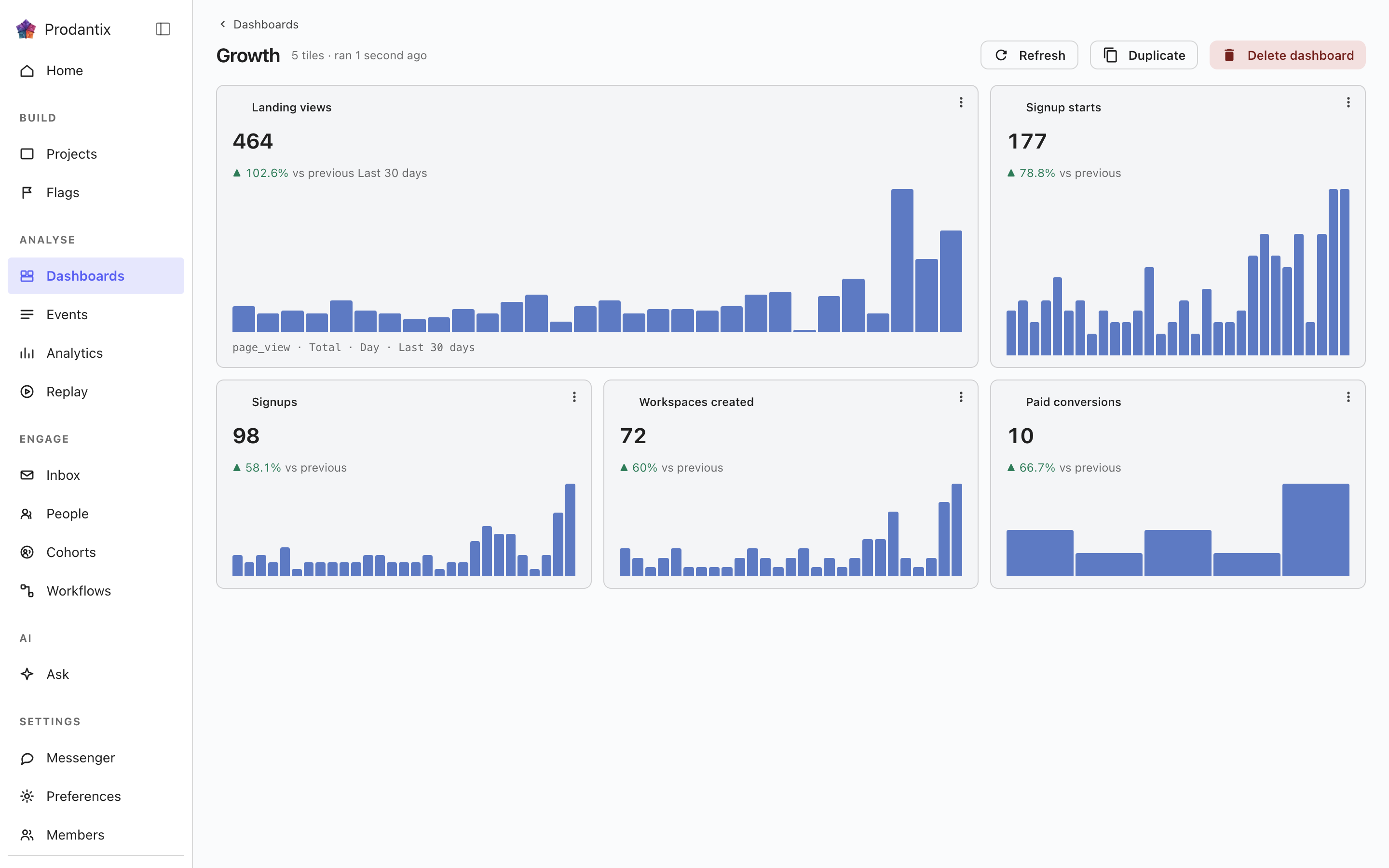
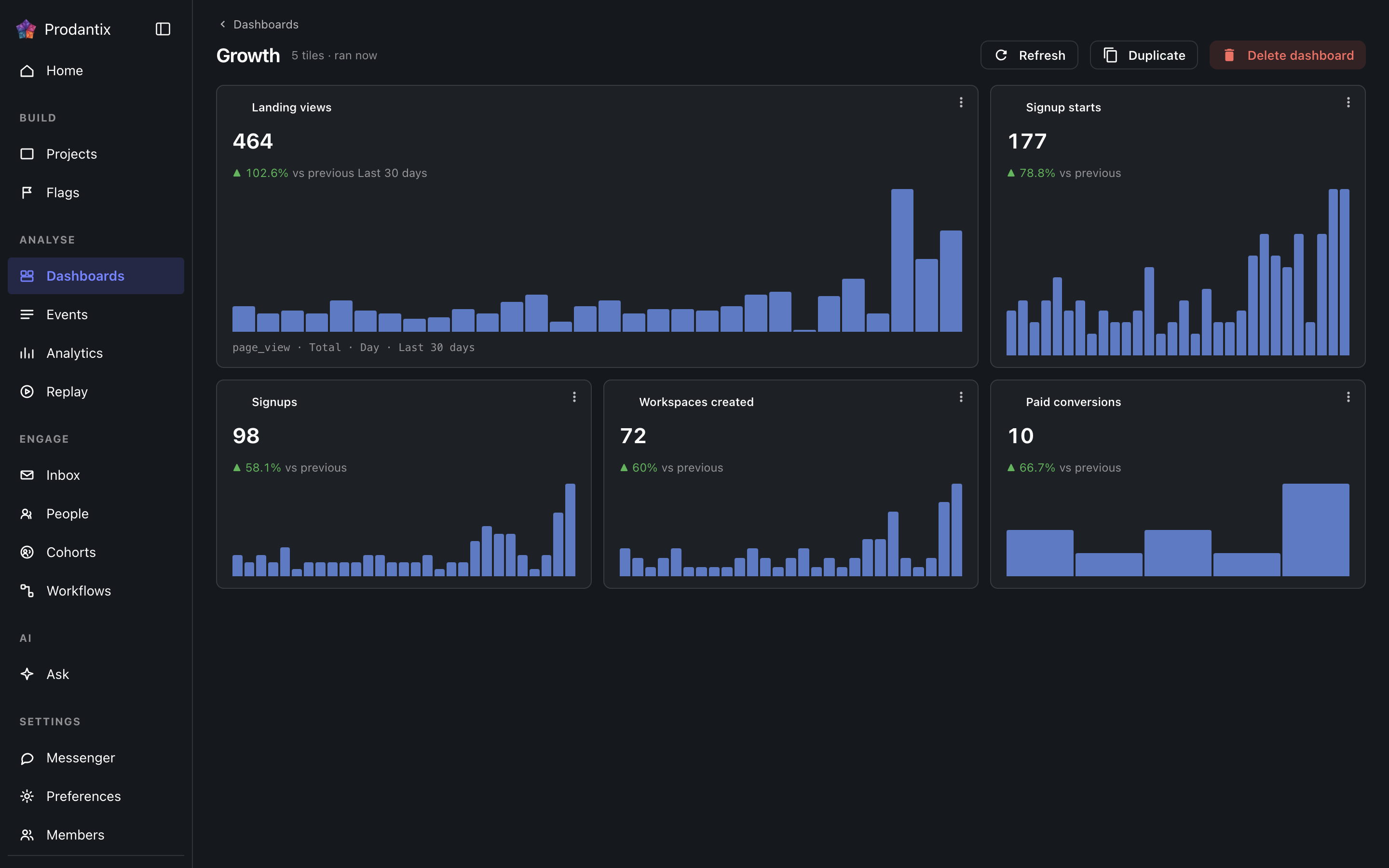
Each tile is one saved question: its title, the current total, a signed delta against the preceding window and a sparkline of the series. Tiles are added by asking a question in the Analytics workbench and pinning the result here; the pin dialog offers every existing board and a new one. A trend tile carries the whole query forward: every metric, any formula, its breakdowns and its compared period, so a re-run always answers exactly what was pinned. A tile that fails to load says so on the tile, with its own retry, rather than poisoning the board; Refresh re-runs every tile at once, and a tile's menu renames it, switches it between standard and wide widths, moves it along the grid, or removes it.
Insights
Un insight es una pregunta guardada entera: el editor tal como se compuso, su tipo de análisis y el tipo de gráfico en que se leyó, bajo un nombre. Se guarda desde el menú Save del banco de trabajo, As an insight, y se reabre desde aquí o desde la dirección que el banco de trabajo lleva como ?insight=, con el editor y el gráfico restaurados. La tarjeta nombra el tipo de análisis en un chip, escribe la pregunta en palabras con su tipo de gráfico y dice cuándo se guardó por última vez. Su menú lo abre, lo renombra, lo ancla a un tablero como tarjeta con su nombre o lo elimina. Eliminar pregunta primero, y los tableros que lo tenían como tarjeta conservan su tarjeta, porque una tarjeta es su propia copia de la consulta. La búsqueda coincide con el nombre y con las palabras. Un insight con vigilancia lleva un chip Vigilando después de su nombre, en el tono de advertencia mientras su límite esté superado.
Copiar a… en la fila abre la copia de configuración con este objeto ya marcado; consulte Proyectos, Copiar la configuración.
Where this meets the API
The concept behind the three tabs is the Analytics pillar. On the wire: the Boards tab is the dashboards query, the Reports tab is reports and the Insights tab is insights; boards change through createDashboard, updateDashboard and deleteDashboard (pinning a tile is an updateDashboard carrying the new tile), insights through createInsight, updateInsight and deleteInsight. A report is saved through createReport, read alone through report, changed through updateReport, renameReport, describeReport and moveReport, copied through duplicateReport, deleted through deleteReport and brought back through restoreReport; its history is reportVersions and Restore is restoreReportVersion, which writes a new version copying the chosen one. A report's public link is read through reportPublicLink, turned on or given a new stop day through setReportPublicLink and turned off through turnOffReportPublicLink, and reportShareChanges streams each change; shareReport sends it to teammates, with a note, by email and push. People talk about a report in threads, on the whole report or on one point of it: reportCommentThreads reads them, each with its first comment and latest two replies, reportCommentEarlierReplies reads the replies before those twenty at a time, startReportCommentThread starts one, replyToReportCommentThread answers it, resolveReportCommentThread and reopenReportCommentThread close and open it again, an author changes their own words through editReportComment and deleteReportComment, reactions come and go through addReportCommentReaction and removeReportCommentReaction, and reportCommentChanges streams each change. A report's tile carries only its reportId, and the board read fills the tile from the report, so every tile renders by running its query through runQuery (GraphQL reference). A run that names its report through reportId refreshes that report's public link when the query it ran is the one saved.