Flags
Donde viven las feature flags de un proyecto: el estado, la cuota de servicio y la etapa del ciclo de vida de cada flag, editados en el sitio y aplicados sin release. La pantalla sirve por separado los entornos Live y Test.
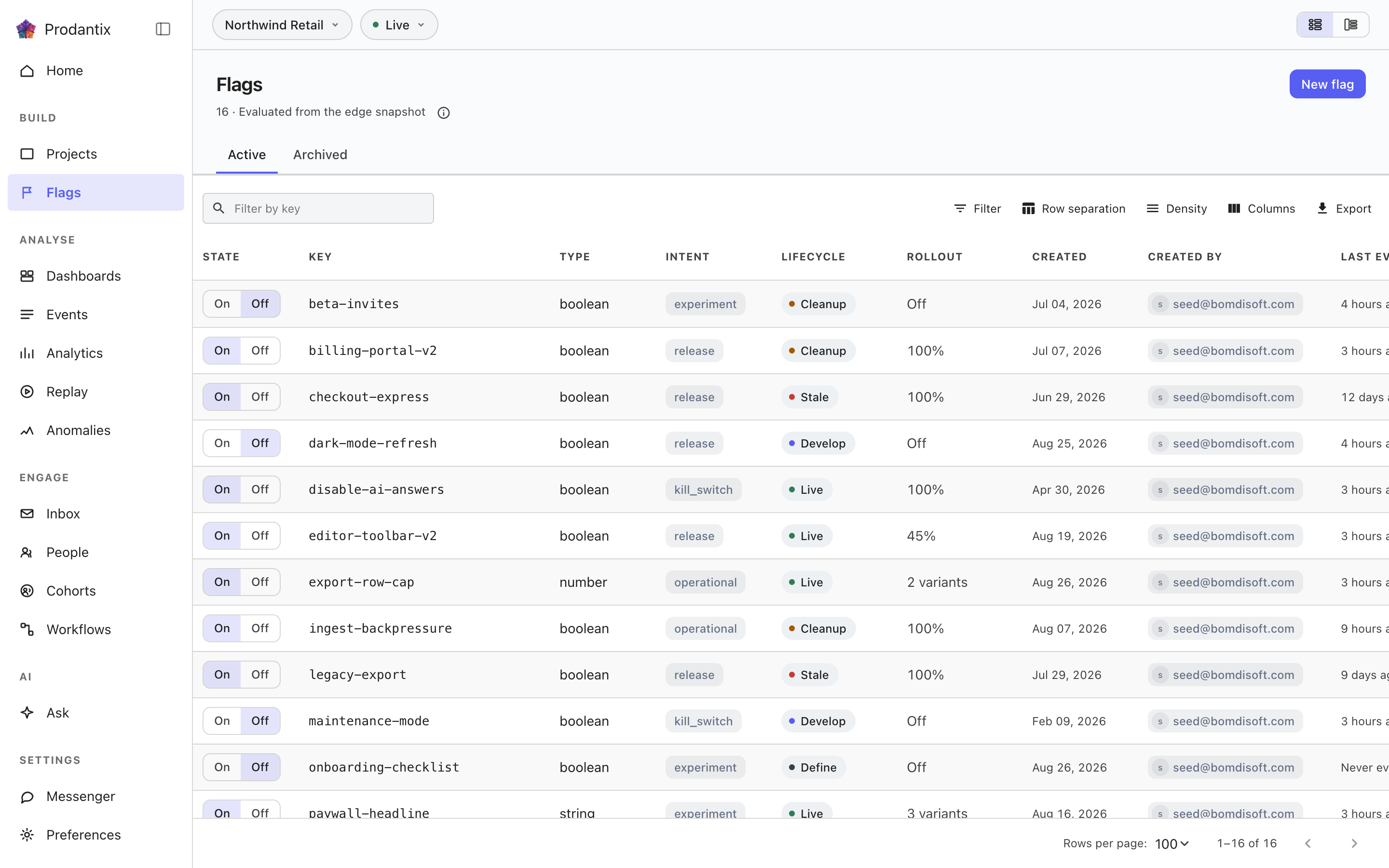
The grid
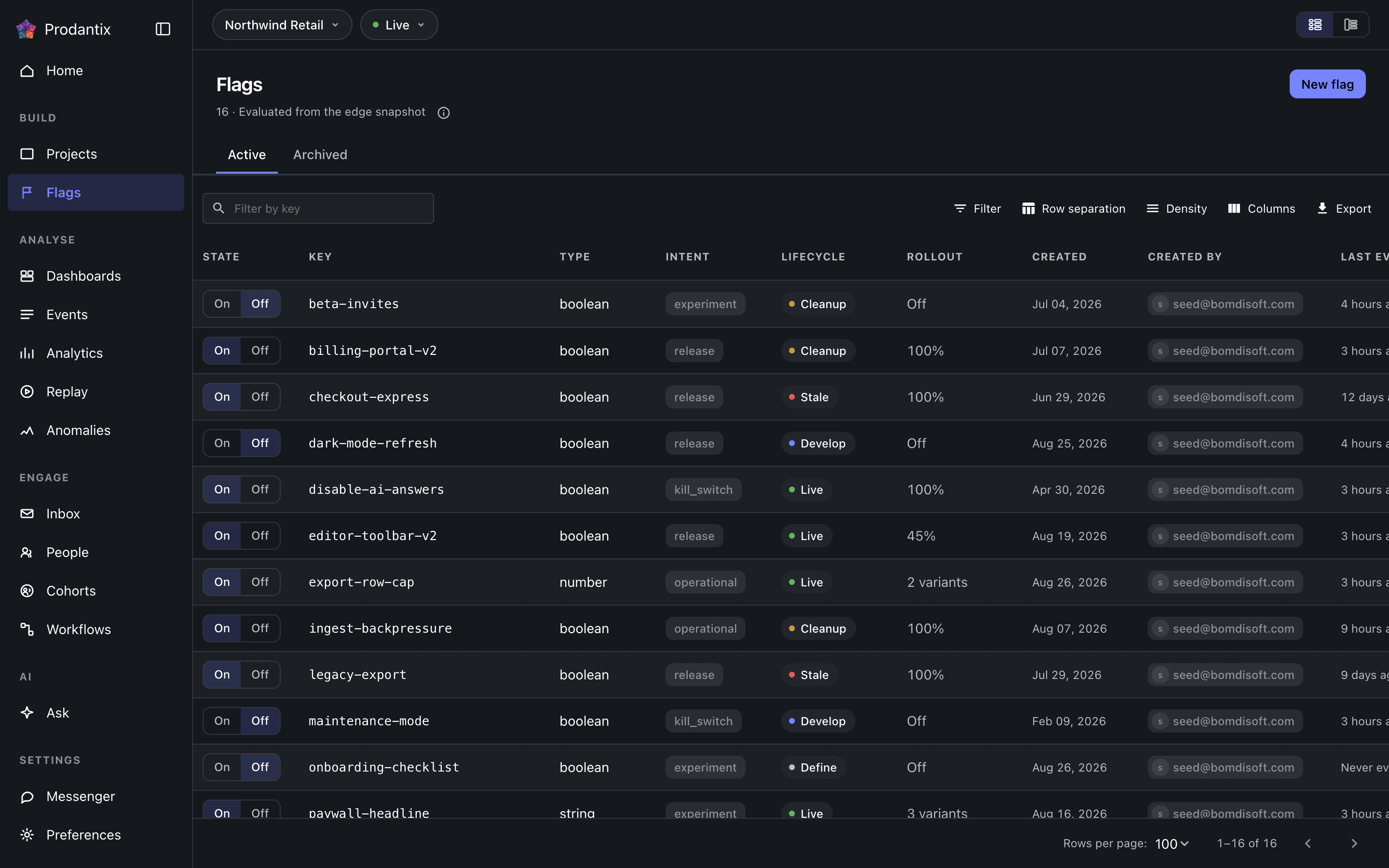
Each row is one flag: its key, its state toggle, how much traffic it serves and when it was last evaluated. Rows carry a lifecycle stage, and the ordering surfaces the stages that want attention first: stale (nothing has evaluated it lately) and cleanup (past the lifespan its intent declares) sort ahead of live, develop and define. The toolbar narrows by search, the Active and Archived tabs split the population, and the grid's layout is a stored preference.
Flipping a toggle asks for confirmation before it changes what traffic sees, and the write is permission-gated: a reader without the flags write grant sees the state without the lever.
Opening a flag
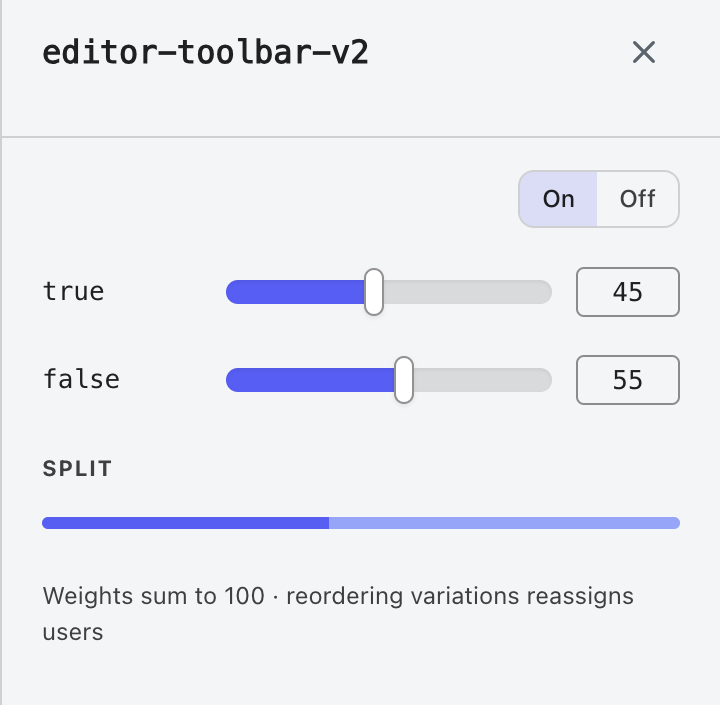
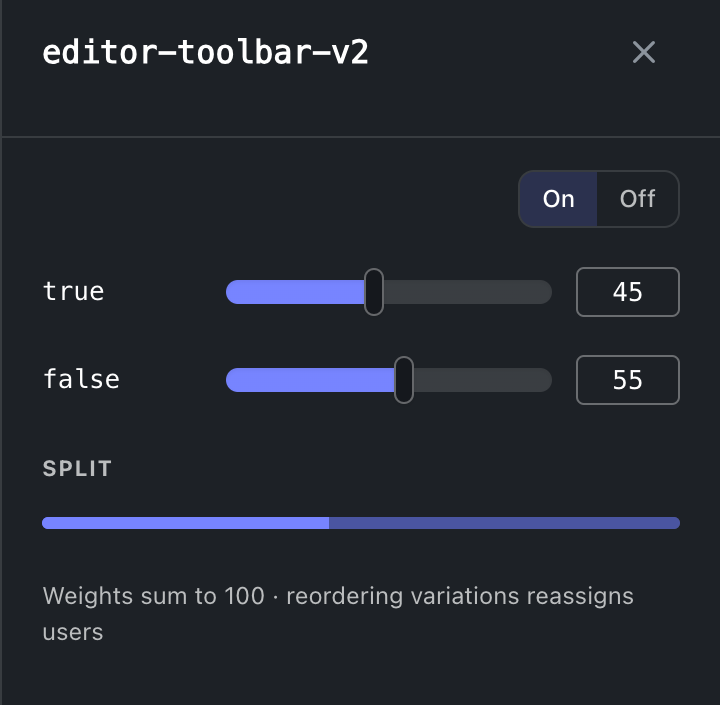
Selecting a row opens the flag: its description, intent, rollout and variations. Variation weights rebalance as you drag, so the set always sums to one hundred rather than failing on save. Archiving asks first and archived flags keep their history: the Archived tab restores them. A flag deep-links as ?flag=<key>, so a row in a code review can point at the exact switch it discusses.
Experiments
An experiment cannot exist without a flag, so experiments live here rather than under an entry of their own. The Experiments tab lists every experiment of the project, Active or Concluded by the filter on its toolbar, each row saying how many users it exposed and which arm leads on its primary metric with how much confidence, or the winner once concluded, and docks the results pane beside the grid; while that tab is current the head's button reads New experiment. A flag's own panel carries an Experiment tab beside Details and History: the experiment on that flag with its results and actions, New experiment already set to that flag when it has none and two or more variations, or the reason it cannot host one. A flag whose experiment is running carries an Experiment chip in the grid's Key cell beside the Review chip, and the old address, /experiments, forwards to the tab. The concept is the Experiments pillar.
Copiar a… en la fila abre la copia de configuración con este objeto ya marcado; consulte Proyectos, Copiar la configuración.
Where this meets the API
The concept behind the screen is the Flags pillar. On the wire: reads are GET /v1/flags and GET /v1/flags/snapshot (API reference), writes are the upsertFlag and archiveFlag mutations (GraphQL reference), every change fans out as flagChange on the project room (Realtime events), and agents reach the same operations through prodantix.flags.list, .upsert and .archive (MCP tools).