Projects
Where projects are made and their credentials live: every project carries a Live and a Test environment, each with its own ingest key and signing secret. Rotation comes with a grace window so a deploy can catch up, and a secret is shown exactly once, at the moment it is minted.
The grid
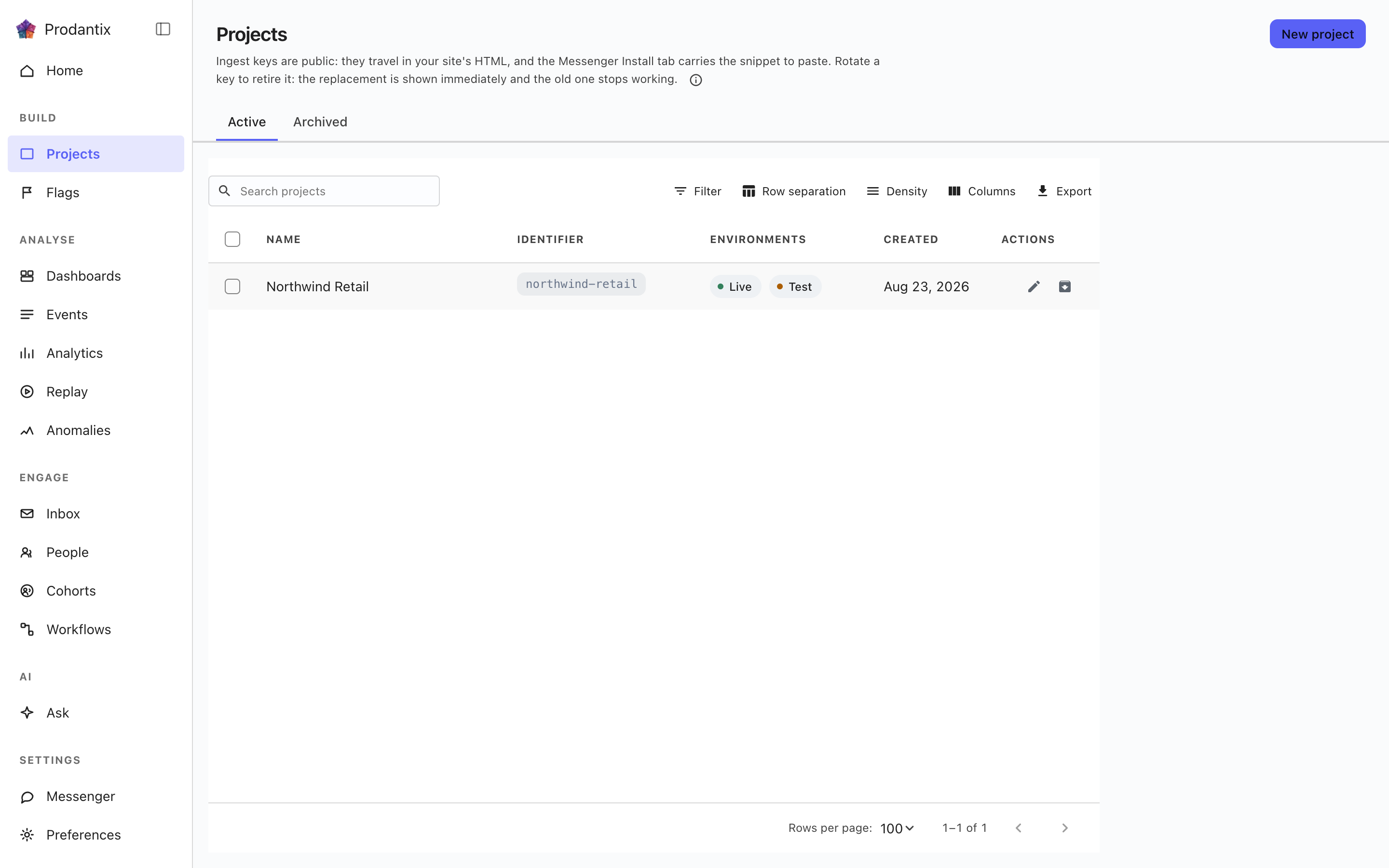
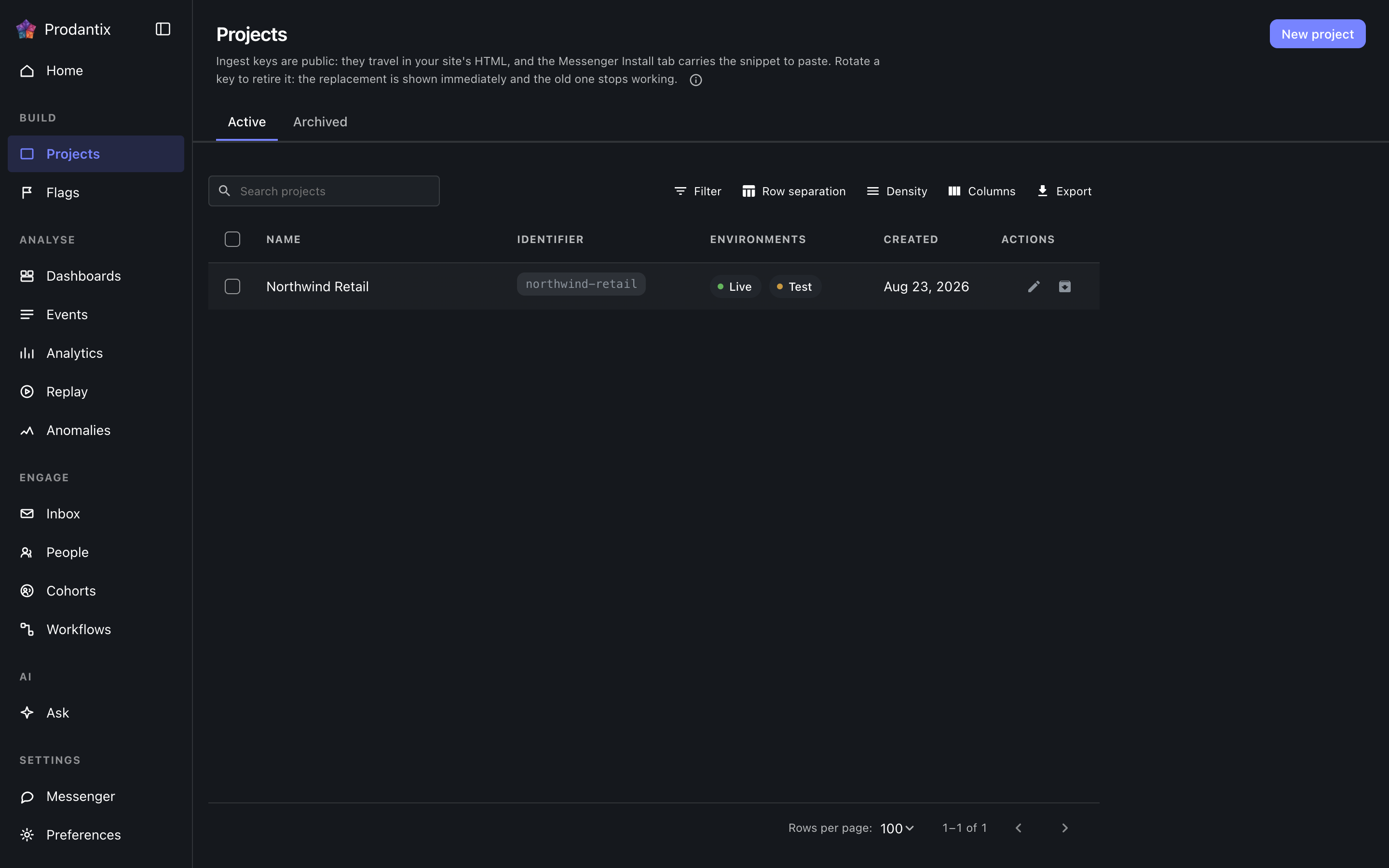
Each row is one project: its name, its identifier chip, which environments it carries, a masked glimpse of its ingest key and when it was made. The Active and Archived tabs split the population, the search narrows by name, and New project opens a dialog that creates the project and reveals both credentials for Live and Test in the dialog itself: the ingest keys, which stay readable on the Messenger Install tab, and the signing secret, which is shown only there.
Renaming and archiving live on the row. Archiving asks for the project identifier to be typed back, because an archived project stops accepting traffic; the Archived tab restores.
Opening a project
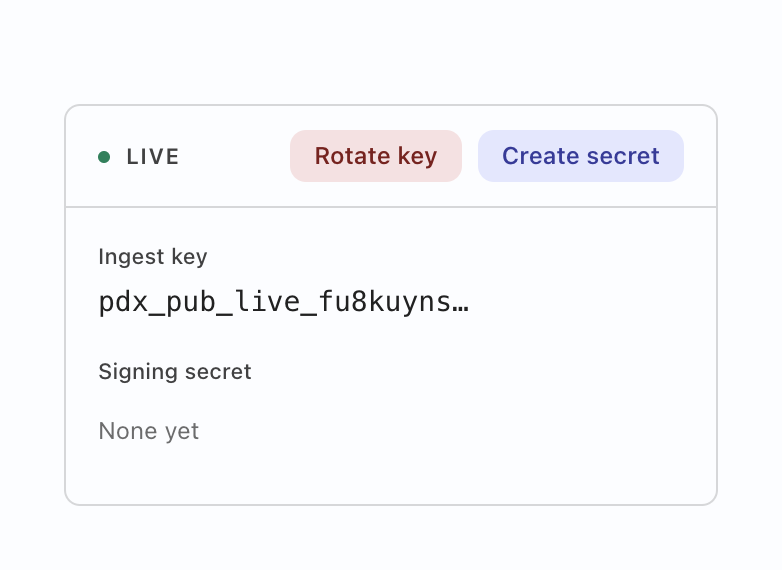
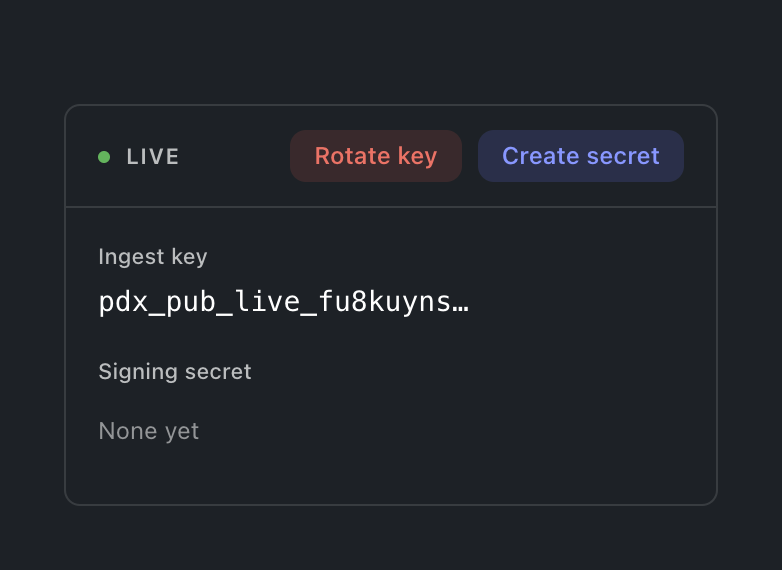
Selecting a row opens the project: a card for the environment the console is in, carrying both credentials labelled. Deliberately not both cards at once: showing the Test key while working in Live is a mix-up waiting to happen, so the other environment's card appears by switching environment. The ingest key is what SDKs send events with; rotating it offers a grace window (immediately, one hour, a day or a week) during which the old key still ingests, so a fleet mid-deploy does not drop events. The signing secret is what the Messenger's identity verification signs with; its action reads Create until one exists and Rotate after. Either mint prints the new value exactly once, and a replaced secret says it replaced one, so an accidental rotation is visible before it bites.
Joining a visitor to the person
One switch per environment on the project's card: Keep activity from before sign-in. On, a person's activity from before they signed in stays with them instead of counting as a separate visitor. It starts off, and the state worker is what reads it, not the browser, so whatever an SDK sends, the join never happens for a project that has not chosen it. Turning it off stops the next join and unlinks nothing already joined. A member without the project's write action sees the switch in the state it is in and cannot move it.
Copying configuration
Everything you configure in one environment can be copied into any other environment of any project in this workspace, in one operation with several targets. Copy configuration on the Projects page opens the dialog empty; Copy to… on a cohort, a flag, an experiment, a board, a workflow or a connection opens it with that object ticked. Pick what to copy from the tree (a kind takes everything under it, and the filter narrows it), pick where, then review one target at a time: every object says whether it is created, overwritten, unchanged, needs something the target lacks (add it or drop the object), or is refused, and an overwrite shows every field that changes before anything is written. Switches (a flag's serve switch, a workflow's on and off, the messenger's enabled, an experiment's running status, a cohort's active switch) travel only when the review's Also copy switches is on. A target that requires review turns its flags into change requests. Each target applies on its own, so one refusal never holds the others.
Where this meets the API
What the keys are for is the Keys guide. On the wire: the listing is the projectGroups query, creation and lifecycle are createProject, renameProject and archiveProject, the credentials rotate through rotateProjectKey and rotateSigningSecret, and the Identity switch reads identityLinkEnabled and writes setIdentityLinkEnabled (GraphQL reference). The ingest key authenticates event ingestion; the signing secret backs Messenger identity verification (Messaging pillar).