プロジェクト
プロジェクトが生まれ、その資格情報が住む場所: すべてのプロジェクトは Live と Test の環境を持ち、それぞれに固有のインジェストキーと署名シークレットがあります。ローテーションには猶予期間があり、デプロイが追いつけます。シークレットが表示されるのは発行の瞬間、ただ一度だけです。
The grid
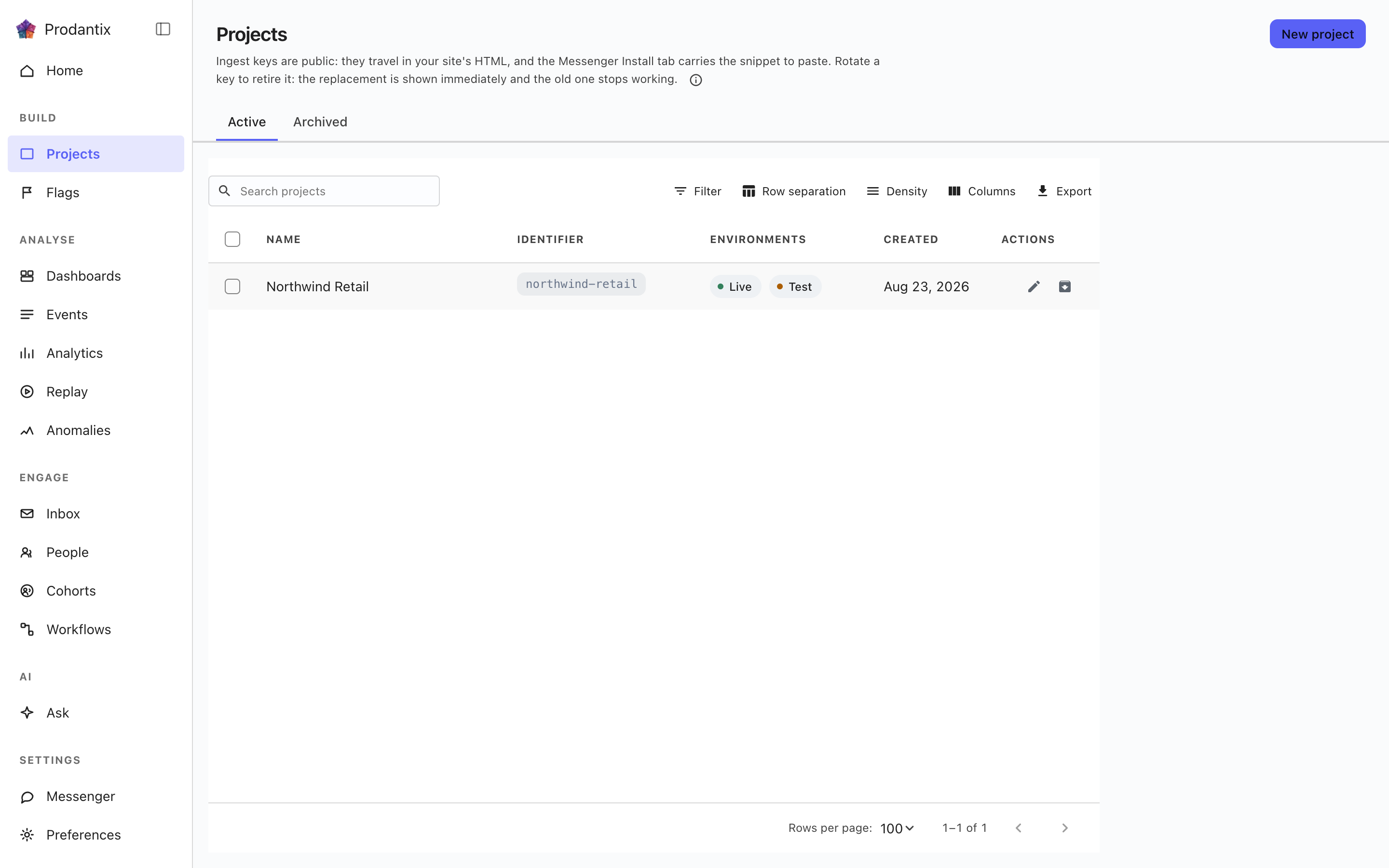
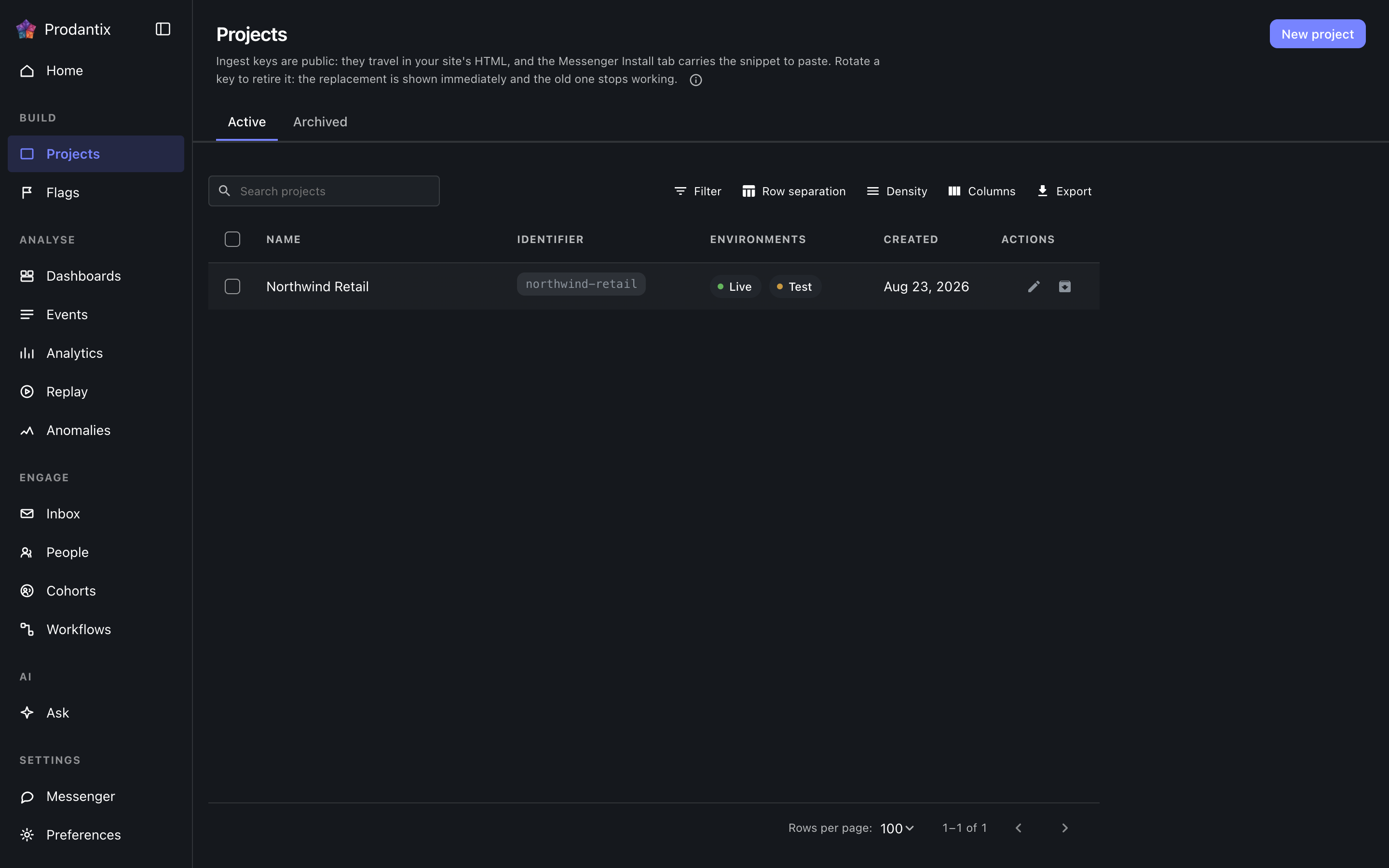
Each row is one project: its name, its identifier chip, which environments it carries, a masked glimpse of its ingest key and when it was made. The Active and Archived tabs split the population, the search narrows by name, and New project opens a dialog that creates the project and reveals both credentials for Live and Test in the dialog itself: the ingest keys, which stay readable on the Messenger Install tab, and the signing secret, which is shown only there.
Renaming and archiving live on the row. Archiving asks for the project identifier to be typed back, because an archived project stops accepting traffic; the Archived tab restores.
Opening a project
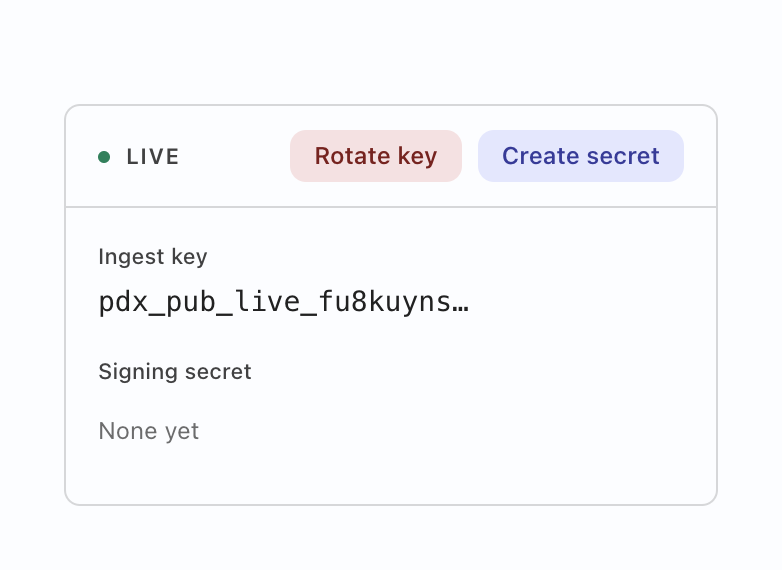
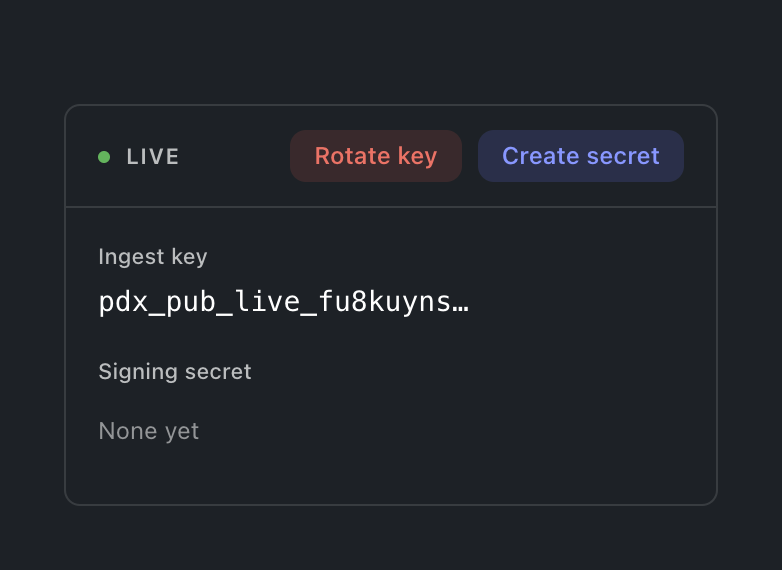
Selecting a row opens the project: a card for the environment the console is in, carrying both credentials labelled. Deliberately not both cards at once: showing the Test key while working in Live is a mix-up waiting to happen, so the other environment's card appears by switching environment. The ingest key is what SDKs send events with; rotating it offers a grace window (immediately, one hour, a day or a week) during which the old key still ingests, so a fleet mid-deploy does not drop events. The signing secret is what the Messenger's identity verification signs with; its action reads Create until one exists and Rotate after. Either mint prints the new value exactly once, and a replaced secret says it replaced one, so an accidental rotation is visible before it bites.
訪問者を人物に結びつける
プロジェクトのカードには、環境ごとに一つのスイッチがあります。サインイン前の行動を保持する、というものです。オンにすると、その人がサインインする前の行動は、別の訪問者として数えられるのではなく、本人に結びついたままになります。初期状態はオフで、これを読むのはステートワーカーであってブラウザではありません。したがって SDK が何を送ろうと、これを選んでいないプロジェクトで結合が起きることはありません。オフにすると次の結合は止まりますが、すでに結合されたものはほどけません。プロジェクトの書き込み権限を持たないメンバーには、スイッチは今の状態のまま見え、動かすことはできません。
設定のコピー
ある環境で設定したものはすべて、このワークスペース内のどのプロジェクトのどの環境へでも、複数の対象をまとめた一度の操作でコピーできます。プロジェクトページの設定をコピーはダイアログを空の状態で開きます。コホート、フラグ、実験、ボード、ワークフロー、接続の上にあるコピー先…は、その対象にチェックが入った状態で開きます。何をコピーするかをツリーから選び(種類を選ぶとその配下すべてが入り、フィルターで絞り込めます)、どこへコピーするかを選び、それから対象を一つずつ確認します。各オブジェクトは、作成されるのか、上書きされるのか、変更なしなのか、コピー先にないものを必要としているのか(追加するか、そのオブジェクトを外します)、拒否されたのかを示し、上書きの場合は何かが書き込まれる前に変更されるすべての項目を表示します。スイッチ(フラグの配信スイッチ、ワークフローのオンとオフ、メッセンジャーの有効、実験の実行状態、コホートの有効スイッチ)は、確認画面のスイッチも一緒にコピーがオンのときにだけ一緒に移ります。レビューを必要とするコピー先では、フラグは変更リクエストになります。対象ごとに個別に適用されるため、一つが拒否されても他が止まることはありません。
Where this meets the API
What the keys are for is the Keys guide. On the wire: the listing is the projectGroups query, creation and lifecycle are createProject, renameProject and archiveProject, the credentials rotate through rotateProjectKey and rotateSigningSecret, and the Identity switch reads identityLinkEnabled and writes setIdentityLinkEnabled (GraphQL reference). The ingest key authenticates event ingestion; the signing secret backs Messenger identity verification (Messaging pillar).