Gespeichert
Wo lebt, was Sie von der Workbench behalten, in drei Tabs. Tafeln: Jede Tafel ist eine Sammlung gespeicherter Kacheln, und jede Kachel führt ihre eigene Abfrage bei jedem Öffnen neu aus, die Zahlen sind also lebendig statt Momentaufnahmen. Berichte: eine gespeicherte Frage, die auf einer Tafel lebt, mit Beschreibung und Versionsverlauf. Analysen: eine Frage im Ganzen behalten, ihr Editor und ihr Diagramm, in der Workbench wieder geöffnet mit allem, wie es war. Jeder Tab sucht nach Namen; Tafeln werden erstellt, umbenannt, dupliziert und gelöscht, Berichte umbenannt, verschoben, dupliziert und mit Undo gelöscht, Analysen umbenannt, an eine Tafel geheftet oder gelöscht.
Boards
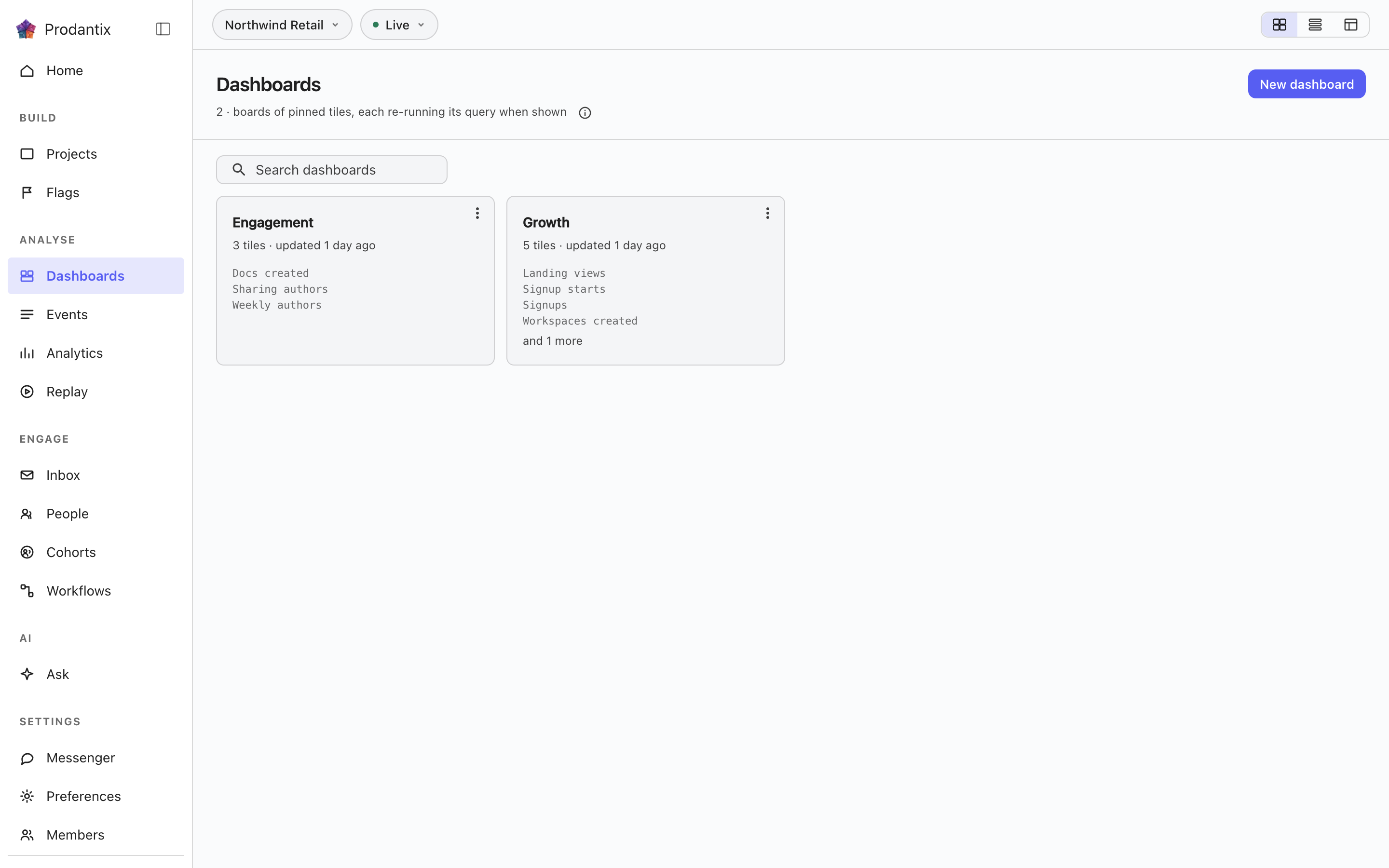
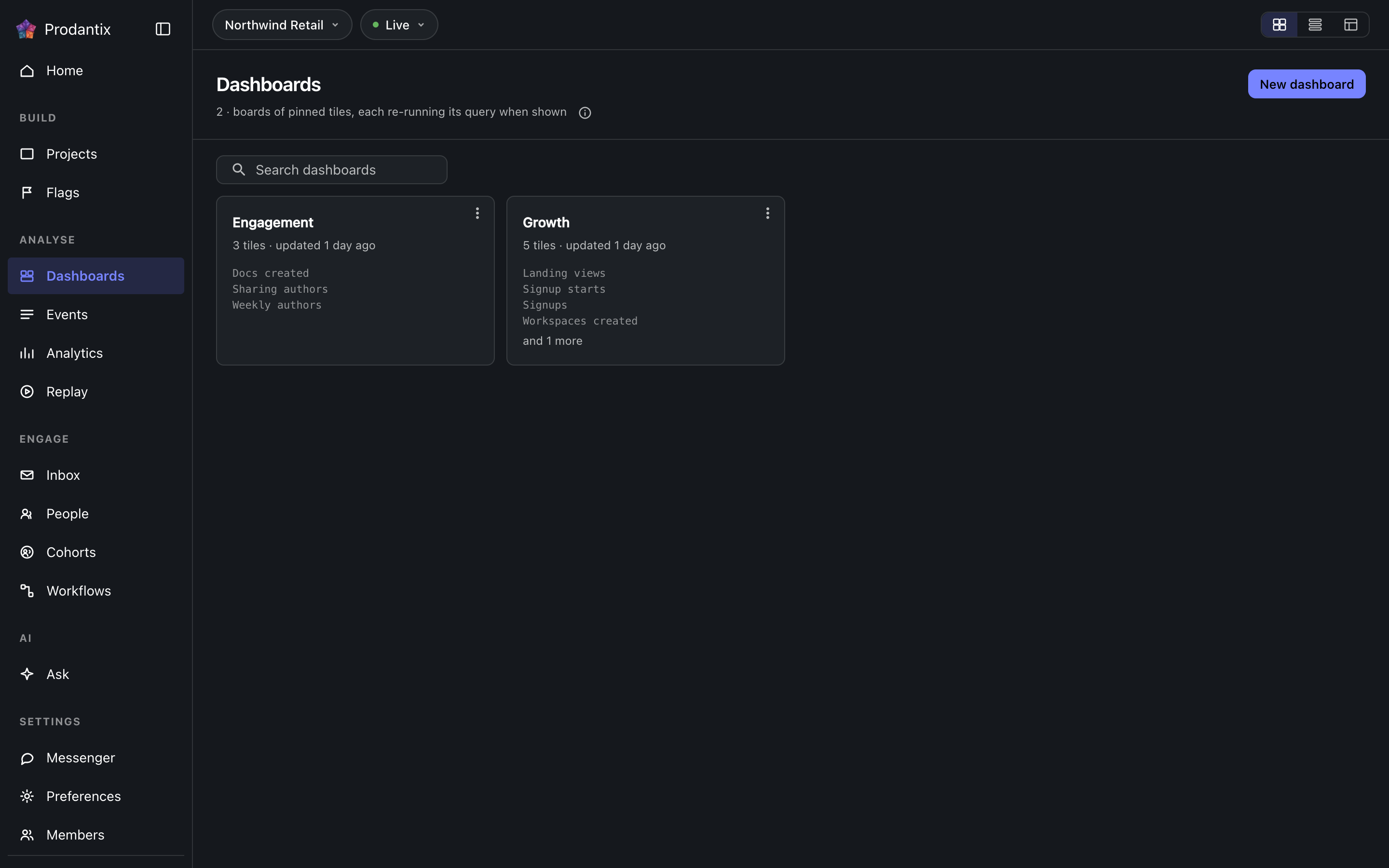
Every board in the project on the Boards tab, searchable by name, with the count in the page head describing the whole library rather than the narrowed view. New board names a board and opens it empty; a board's row menu renames, duplicates or deletes it, and deleting asks first because a board's tiles are the only copy of their saved questions. How the tab presents, as cards, rows or a table, is a stored preference per person, picked on the tab's own bar. Switching arrangements starts on the Growth plan; the Starter plan reads cards.
Reports
Ein Bericht ist eine gespeicherte Frage, die auf einer Tafel lebt, unter einem Namen und einer Beschreibung, jede Änderung als Version behalten. Er wird aus dem Save-Menü der Workbench gespeichert, Save as report, in zwei Schritten: zuerst Name und Beschreibung, dann die Tafel, auf der er lebt, gewählt aus einer durchsuchbaren, drei Zeilen hohen Liste mit New board darunter. Der Tab Reports listet jeden Bericht des Projekts als Karte: Der Name öffnet ihn in der Workbench, die Beschreibung folgt, und die Metazeile sagt, auf welcher Tafel er liegt, seine Version und wann er zuletzt geändert wurde. Die Suche trifft Name und Beschreibung. Das Menü der Karte öffnet ihn, benennt ihn um, verschiebt ihn auf eine andere Tafel, dupliziert ihn oder löscht ihn unter dem Trenner. Das Löschen fragt zuerst und nimmt die Versionen mit; Löschen und Verschieben greifen sofort, und die Snackbar sagt es mit Undo, dem einzigen Weg zurück, und ein gelöschter Bericht wird eine Stunde später endgültig entfernt. Auf seiner Tafel ist ein Bericht eine Kachel mit der Markierung Bericht und seiner Version im Primärton, und Open report steht in ihrem Menü zuerst; eine angeheftete Kachel trägt die Markierung Analyse. Die Kachel eines Berichts von seiner Tafel zu entfernen ist das Löschen des Berichts, mit demselben Undo. Unter der Karte der Workbench nennt der Versionsstreifen die aktuelle Version, wer sie gespeichert hat und wann; Show history entfaltet jede Version, was sich geändert hat, durch wen und wann, drei Einträge im Blick, mit Restore neben jedem außer dem aktuellen, und eine Wiederherstellung schreibt eine neue Version, die die gewählte kopiert, statt den Verlauf umzuschreiben.
A board and its tiles
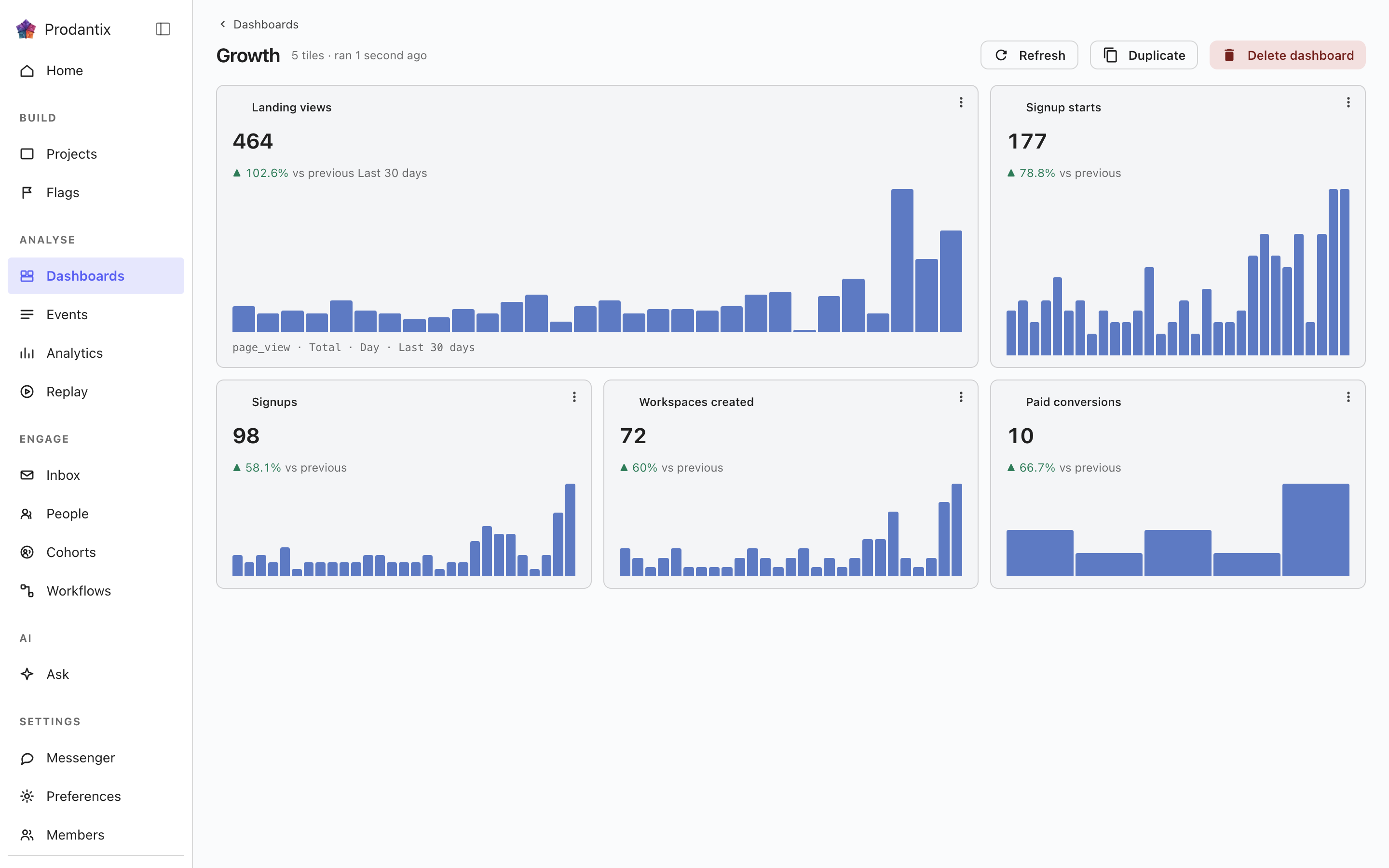
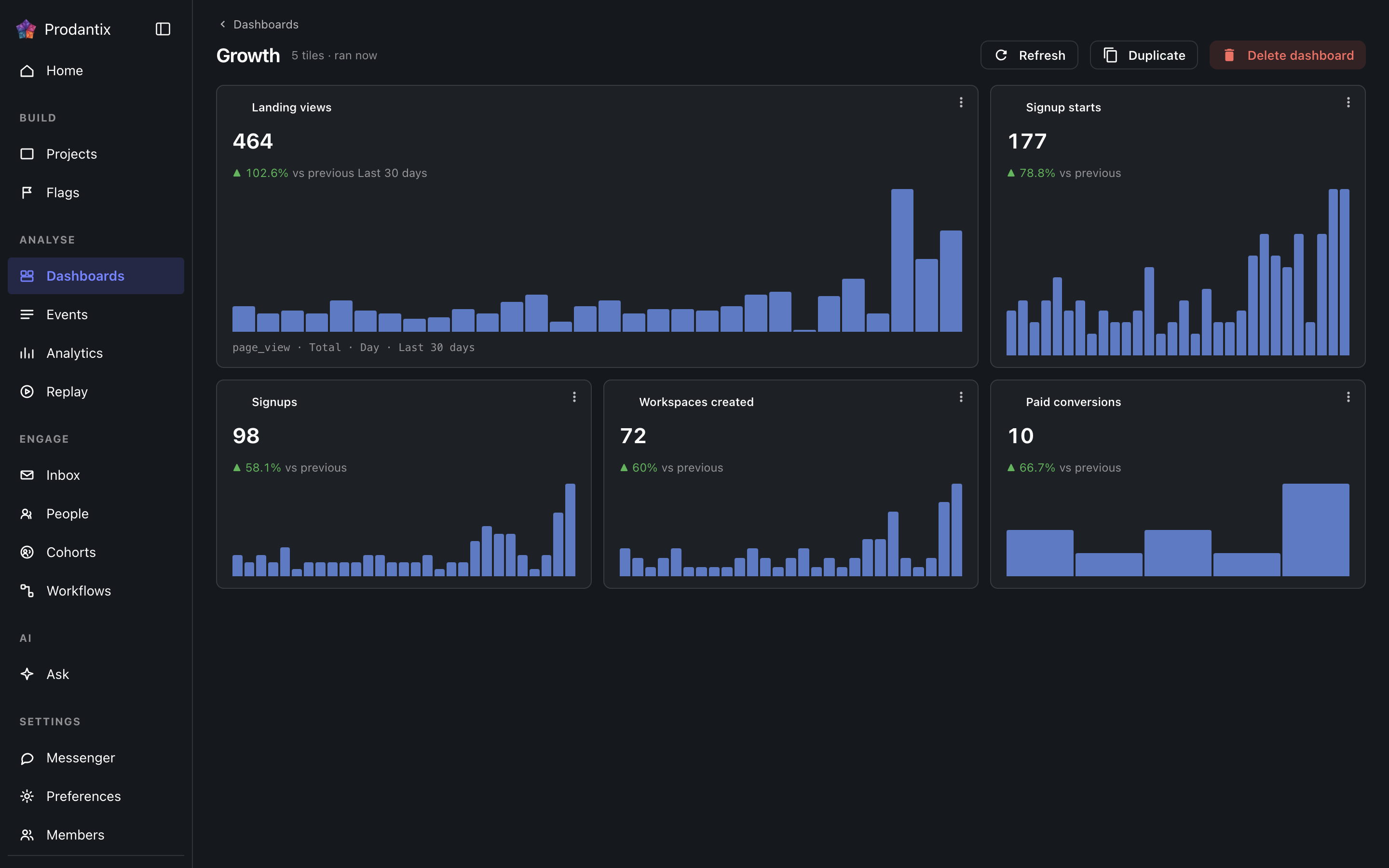
Each tile is one saved question: its title, the current total, a signed delta against the preceding window and a sparkline of the series. Tiles are added by asking a question in the Analytics workbench and pinning the result here; the pin dialog offers every existing board and a new one. A trend tile carries the whole query forward: every metric, any formula, its breakdowns and its compared period, so a re-run always answers exactly what was pinned. A tile that fails to load says so on the tile, with its own retry, rather than poisoning the board; Refresh re-runs every tile at once, and a tile's menu renames it, switches it between standard and wide widths, moves it along the grid, or removes it.
Insights
Eine Analyse ist eine im Ganzen behaltene Frage: der Editor, wie er zusammengesetzt wurde, ihr Analysetyp und der Diagrammtyp, in dem sie gelesen wurde, unter einem Namen. Sie wird aus dem Save-Menü der Workbench gespeichert, As an insight, und von hier oder über die Adresse, die die Workbench als ?insight= trägt, wieder geöffnet, mit Editor und Diagramm wiederhergestellt. Die Karte nennt den Analysetyp auf einem Chip, schreibt die Frage in Worten mit ihrem Diagrammtyp und sagt, wann sie zuletzt gespeichert wurde. Ihr Menü öffnet sie, benennt sie um, heftet sie als nach ihr benannte Kachel an eine Tafel oder löscht sie. Das Löschen fragt zuerst, und Tafeln, die sie als Kachel trugen, behalten ihre Kachel, weil eine Kachel ihre eigene Kopie der Abfrage ist. Die Suche trifft den Namen und die Worte. Eine Analyse mit einer Überwachung trägt nach ihrem Namen einen Beobachtet-Chip, im Warnton, solange ihre Grenze überschritten ist.
Kopieren nach… in der Zeile öffnet das Kopieren der Konfiguration mit diesem Objekt bereits angehakt; siehe Projekte, Konfiguration kopieren.
Where this meets the API
The concept behind the three tabs is the Analytics pillar. On the wire: the Boards tab is the dashboards query, the Reports tab is reports and the Insights tab is insights; boards change through createDashboard, updateDashboard and deleteDashboard (pinning a tile is an updateDashboard carrying the new tile), insights through createInsight, updateInsight and deleteInsight. A report is saved through createReport, read alone through report, changed through updateReport, renameReport, describeReport and moveReport, copied through duplicateReport, deleted through deleteReport and brought back through restoreReport; its history is reportVersions and Restore is restoreReportVersion, which writes a new version copying the chosen one. A report's public link is read through reportPublicLink, turned on or given a new stop day through setReportPublicLink and turned off through turnOffReportPublicLink, and reportShareChanges streams each change; shareReport sends it to teammates, with a note, by email and push. People talk about a report in threads, on the whole report or on one point of it: reportCommentThreads reads them, each with its first comment and latest two replies, reportCommentEarlierReplies reads the replies before those twenty at a time, startReportCommentThread starts one, replyToReportCommentThread answers it, resolveReportCommentThread and reopenReportCommentThread close and open it again, an author changes their own words through editReportComment and deleteReportComment, reactions come and go through addReportCommentReaction and removeReportCommentReaction, and reportCommentChanges streams each change. A report's tile carries only its reportId, and the board read fills the tile from the report, so every tile renders by running its query through runQuery (GraphQL reference). A run that names its report through reportId refreshes that report's public link when the query it ran is the one saved.