已保存
从工作台留下的东西住在这里,分为三个标签页。看板:每个看板是一组已保存的磁贴,每个磁贴在每次打开时重新运行自己的查询,所以数字是活的,不是快照。报告:住在一个看板上的已保存问题,带有描述和版本历史。洞察:连同编辑器和图表整个保留下来的一个问题,在工作台里重新打开时一切如旧。每个标签页都按名称搜索;看板可以创建、重命名、复制和删除,报告可以重命名、移动、复制和删除并可 Undo,洞察可以重命名、固定到看板或删除。
Boards
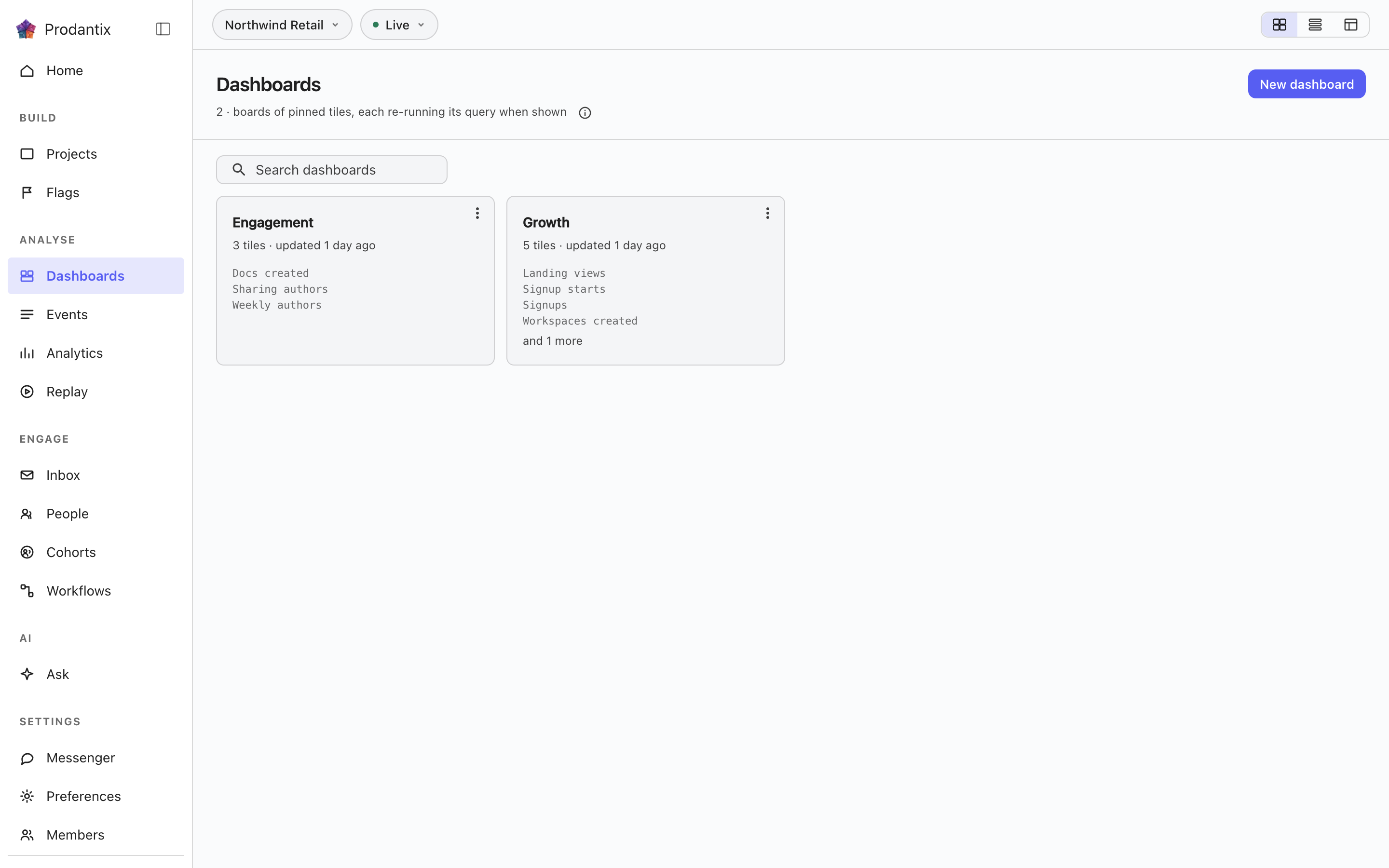
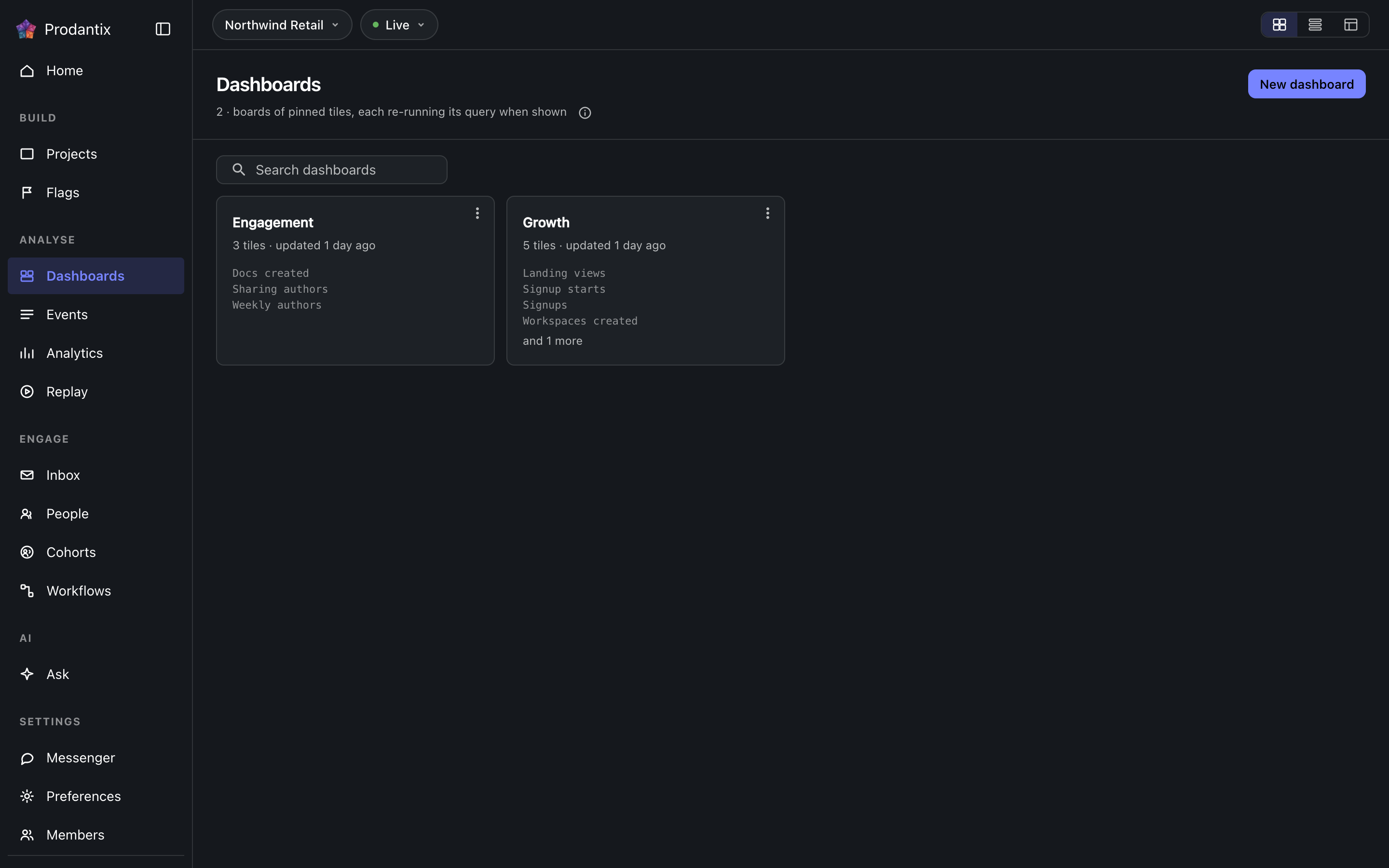
Every board in the project on the Boards tab, searchable by name, with the count in the page head describing the whole library rather than the narrowed view. New board names a board and opens it empty; a board's row menu renames, duplicates or deletes it, and deleting asks first because a board's tiles are the only copy of their saved questions. How the tab presents, as cards, rows or a table, is a stored preference per person, picked on the tab's own bar. Switching arrangements starts on the Growth plan; the Starter plan reads cards.
Reports
报告是住在一个看板上的已保存问题,有名称和描述,每次更改都保留为一个版本。它从工作台的 Save 菜单里以 Save as report 分两步保存:先是名称和描述,然后是它所在的看板,从一个三行高、可搜索的列表中选择,New board 固定在下方。Reports 标签页把项目里的每份报告列为卡片:名称在工作台中打开它,接着是描述,信息行说明它在哪个看板上、它的版本以及最后更新时间。搜索匹配名称和描述。卡片的菜单可以打开、重命名、移到另一个看板、复制,或在分隔线下方删除它。删除会先询问,并连同版本一起删除;删除或移动立即生效,提示条会连同 Undo 一起说明,这是唯一的退路,被删除的报告在一小时后被清除。在看板上,报告是标有报告及其版本的磁贴,使用主色调,Open report 位于其菜单首位;固定的磁贴标为洞察。从看板上移除报告磁贴就是删除该报告,带有同样的 Undo。工作台卡片下方的版本条标明当前版本、由谁保存以及何时;Show history 展开每个版本、更改了什么、由谁以及何时,可见三条,除当前版本外每条旁边都有 Restore,恢复会写入一个复制所选版本的新版本,而不是改写历史。
A board and its tiles
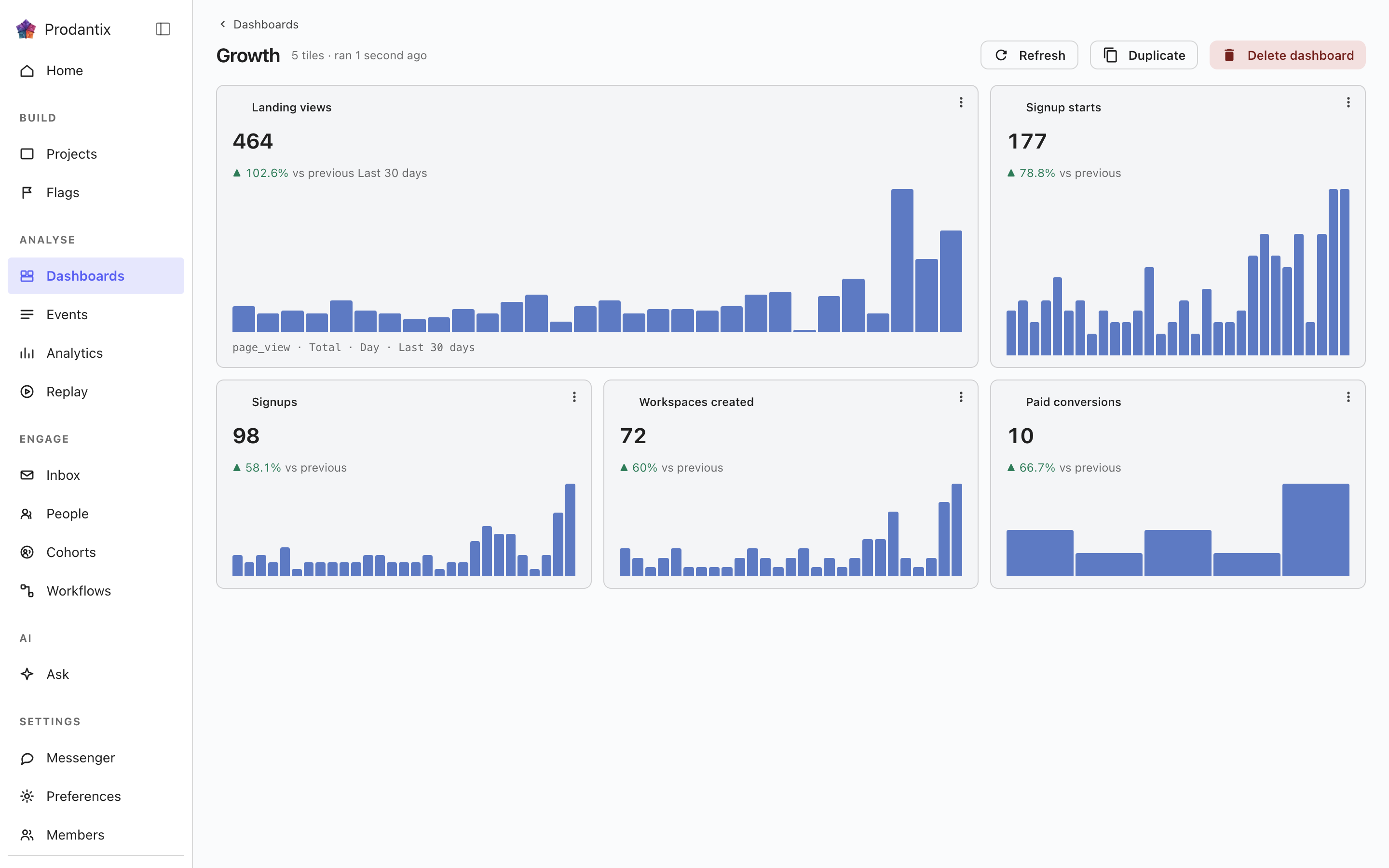
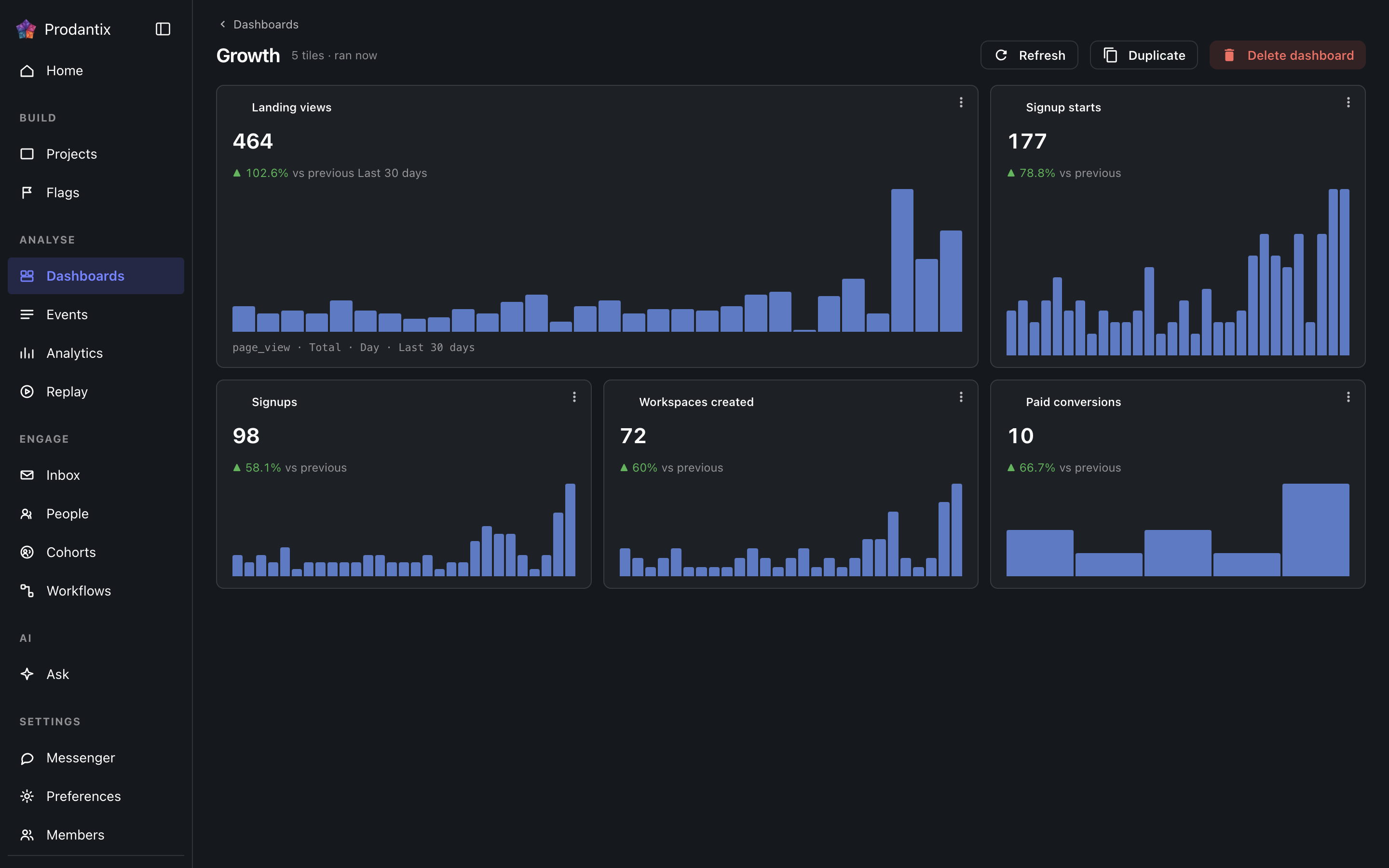
Each tile is one saved question: its title, the current total, a signed delta against the preceding window and a sparkline of the series. Tiles are added by asking a question in the Analytics workbench and pinning the result here; the pin dialog offers every existing board and a new one. A trend tile carries the whole query forward: every metric, any formula, its breakdowns and its compared period, so a re-run always answers exactly what was pinned. A tile that fails to load says so on the tile, with its own retry, rather than poisoning the board; Refresh re-runs every tile at once, and a tile's menu renames it, switches it between standard and wide widths, moves it along the grid, or removes it.
Insights
洞察是被整个保留下来的一个问题:组合时的编辑器、分析类型,以及读取时的图表类型,都放在一个名称之下。它从工作台的 Save 菜单里以 As an insight 保存,并可以从这里或从工作台以 ?insight= 携带的地址重新打开,编辑器和图表都会恢复。卡片用一个标签标出分析类型,用文字写出问题和它的图表类型,并说明最后一次保存的时间。它的菜单可以打开、重命名、以它的名字作为磁贴固定到看板,或删除它。删除会先询问,曾以磁贴形式承载它的看板会保留各自的磁贴,因为磁贴是查询自己的一份副本。搜索匹配名称和文字。带有监视的洞察在名称后带有监视中标签,界限被越过时呈警告色调。
行上的复制到…会打开配置复制,并已勾选此对象;参见项目,复制配置。
Where this meets the API
The concept behind the three tabs is the Analytics pillar. On the wire: the Boards tab is the dashboards query, the Reports tab is reports and the Insights tab is insights; boards change through createDashboard, updateDashboard and deleteDashboard (pinning a tile is an updateDashboard carrying the new tile), insights through createInsight, updateInsight and deleteInsight. A report is saved through createReport, read alone through report, changed through updateReport, renameReport, describeReport and moveReport, copied through duplicateReport, deleted through deleteReport and brought back through restoreReport; its history is reportVersions and Restore is restoreReportVersion, which writes a new version copying the chosen one. A report's public link is read through reportPublicLink, turned on or given a new stop day through setReportPublicLink and turned off through turnOffReportPublicLink, and reportShareChanges streams each change; shareReport sends it to teammates, with a note, by email and push. People talk about a report in threads, on the whole report or on one point of it: reportCommentThreads reads them, each with its first comment and latest two replies, reportCommentEarlierReplies reads the replies before those twenty at a time, startReportCommentThread starts one, replyToReportCommentThread answers it, resolveReportCommentThread and reopenReportCommentThread close and open it again, an author changes their own words through editReportComment and deleteReportComment, reactions come and go through addReportCommentReaction and removeReportCommentReaction, and reportCommentChanges streams each change. A report's tile carries only its reportId, and the board read fills the tile from the report, so every tile renders by running its query through runQuery (GraphQL reference). A run that names its report through reportId refreshes that report's public link when the query it ran is the one saved.