المحفوظات
حيث يعيش ما تحتفظ به من طاولة العمل، في ثلاثة تبويبات. اللوحات: كل لوحة مجموعة من البطاقات المحفوظة، وكل بطاقة تعيد تشغيل استعلامها عند كل فتح، فالأرقام حية وليست لقطات. التقارير: سؤال محفوظ يعيش على لوحة واحدة، مع وصف وتاريخ إصدارات. الرؤى: سؤال محفوظ بأكمله، بمحرره ورسمه البياني، يُعاد فتحه في طاولة العمل وكل شيء كما كان. تبحث كل التبويبات بالاسم؛ تُنشأ اللوحات وتُسمى وتُنسخ وتُحذف، وتُسمى التقارير وتُنقل وتُنسخ وتُحذف مع Undo، وتُسمى الرؤى أو تُثبت في لوحة أو تُحذف.
Boards
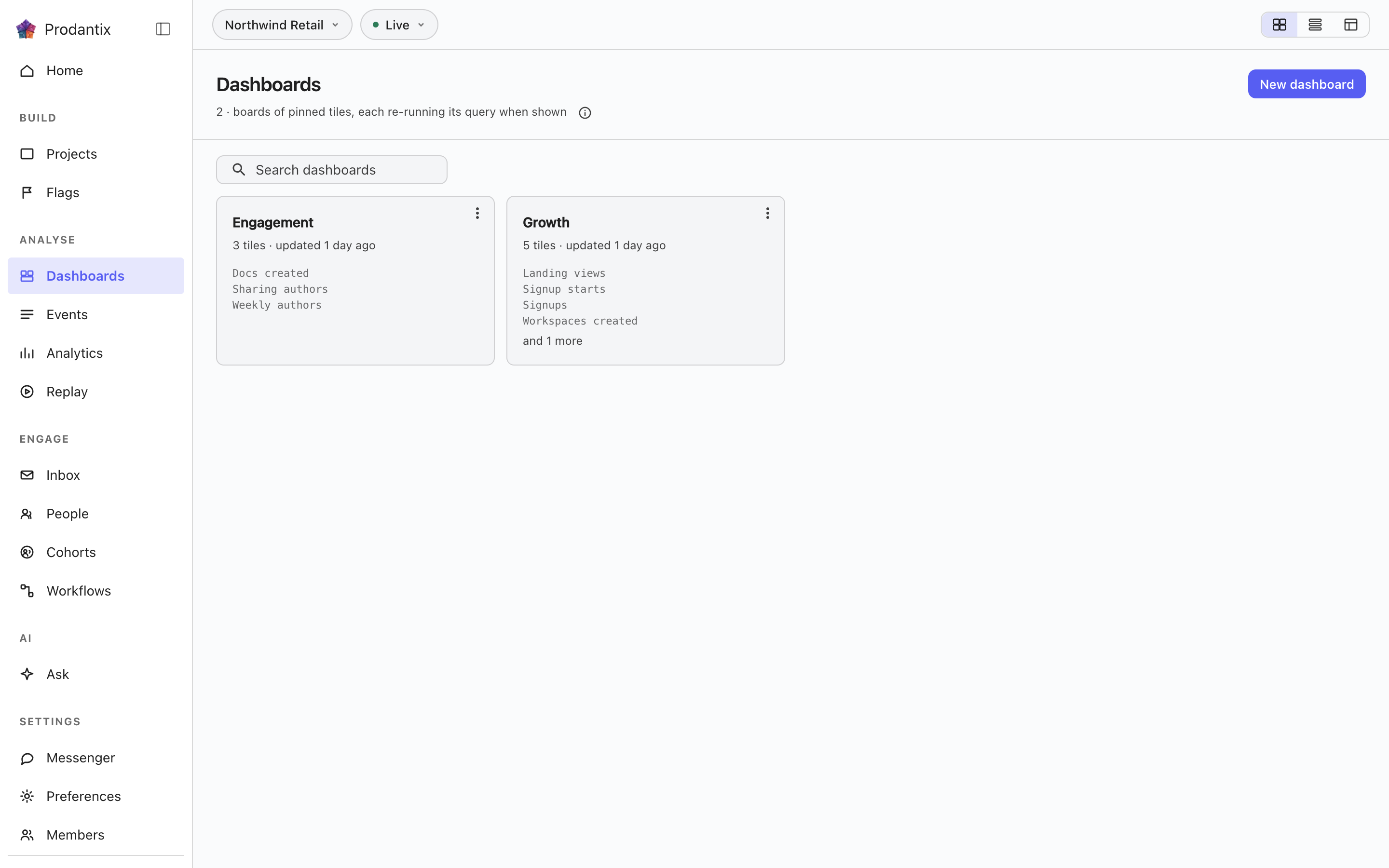
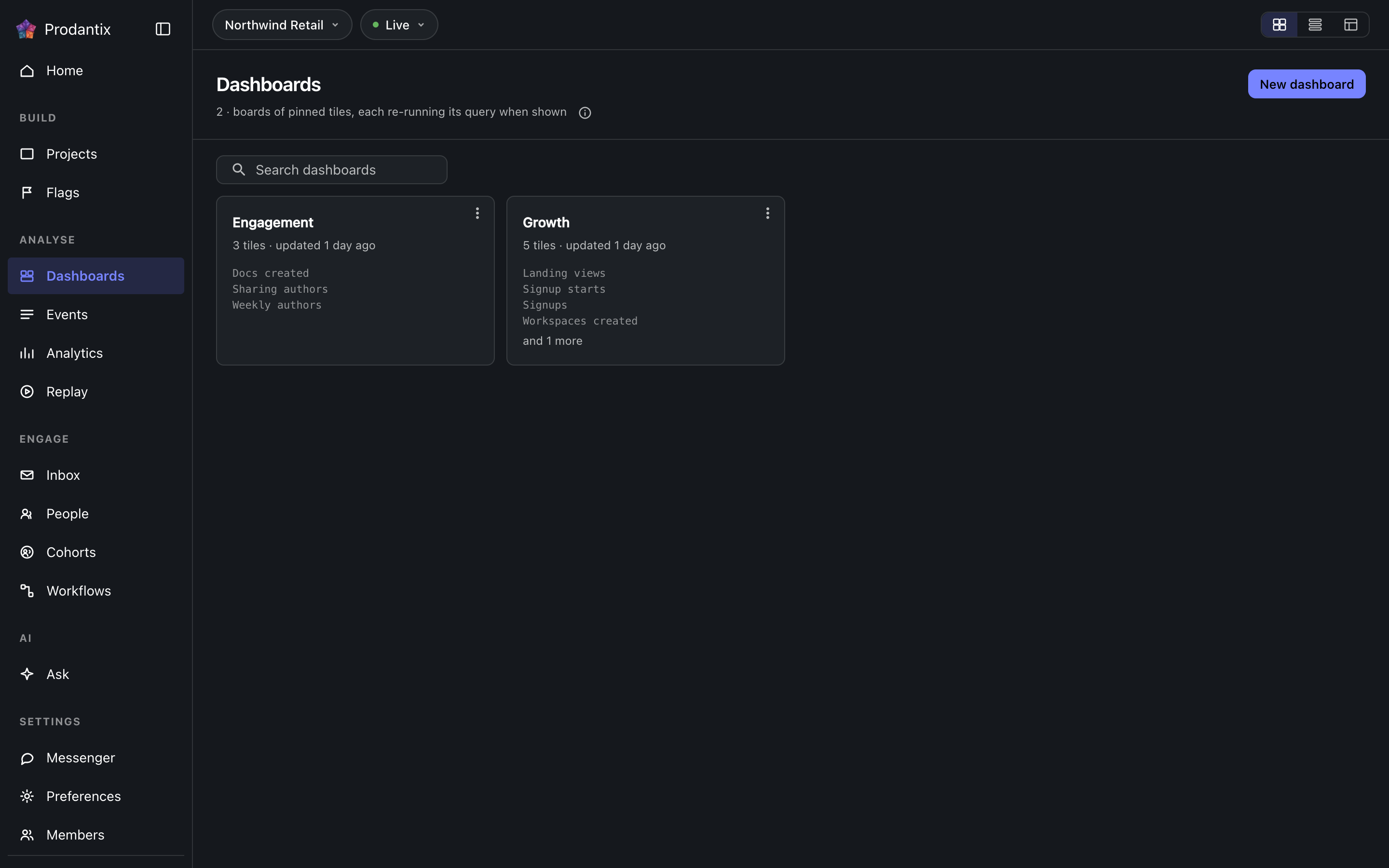
Every board in the project on the Boards tab, searchable by name, with the count in the page head describing the whole library rather than the narrowed view. New board names a board and opens it empty; a board's row menu renames, duplicates or deletes it, and deleting asks first because a board's tiles are the only copy of their saved questions. How the tab presents, as cards, rows or a table, is a stored preference per person, picked on the tab's own bar. Switching arrangements starts on the Growth plan; the Starter plan reads cards.
Reports
التقرير سؤال محفوظ يعيش على لوحة واحدة، تحت اسم ووصف، مع كل تغيير محفوظاً كإصدار. يُحفظ من قائمة Save في طاولة العمل، Save as report، في خطوتين: الاسم والوصف أولاً، ثم اللوحة التي يعيش عليها، تُختار من قائمة قابلة للبحث بارتفاع ثلاثة صفوف مع New board تحتها. يسرد تبويب Reports كل تقرير في المشروع كبطاقة: الاسم يفتحه في طاولة العمل، ويليه الوصف، ويقول سطر البيانات على أي لوحة هو، وإصداره، ومتى حُدِّث آخر مرة. يطابق البحث الاسم والوصف. تفتحه قائمة البطاقة، أو تعيد تسميته، أو تنقله إلى لوحة أخرى، أو تنسخه، أو، تحت الفاصل، تحذفه. الحذف يسأل أولاً ويأخذ الإصدارات معه؛ يقع الحذف أو النقل فوراً ويقول شريط الإشعار ذلك مع Undo، الطريق الوحيد للرجوع، ويُمحى التقرير المحذوف بعد ساعة. على لوحته يكون التقرير بطاقة موسومة بـ تقرير مع إصداره، باللون الأساسي، ويتصدر Open report قائمتها؛ أما البطاقة المثبتة فتوسم بـ رؤية. إزالة بطاقة تقرير من لوحتها هي حذف التقرير، بنفس Undo. تحت بطاقة طاولة العمل يسمي شريط الإصدارات الإصدار الحالي، ومن حفظه ومتى؛ ويبسط Show history كل إصدار، وما تغير، ومن غيّره ومتى، بثلاثة مدخلات في العرض، مع Restore بجانب كل واحد عدا الحالي، والاستعادة تكتب إصداراً جديداً ينسخ المختار بدلاً من إعادة كتابة التاريخ.
A board and its tiles
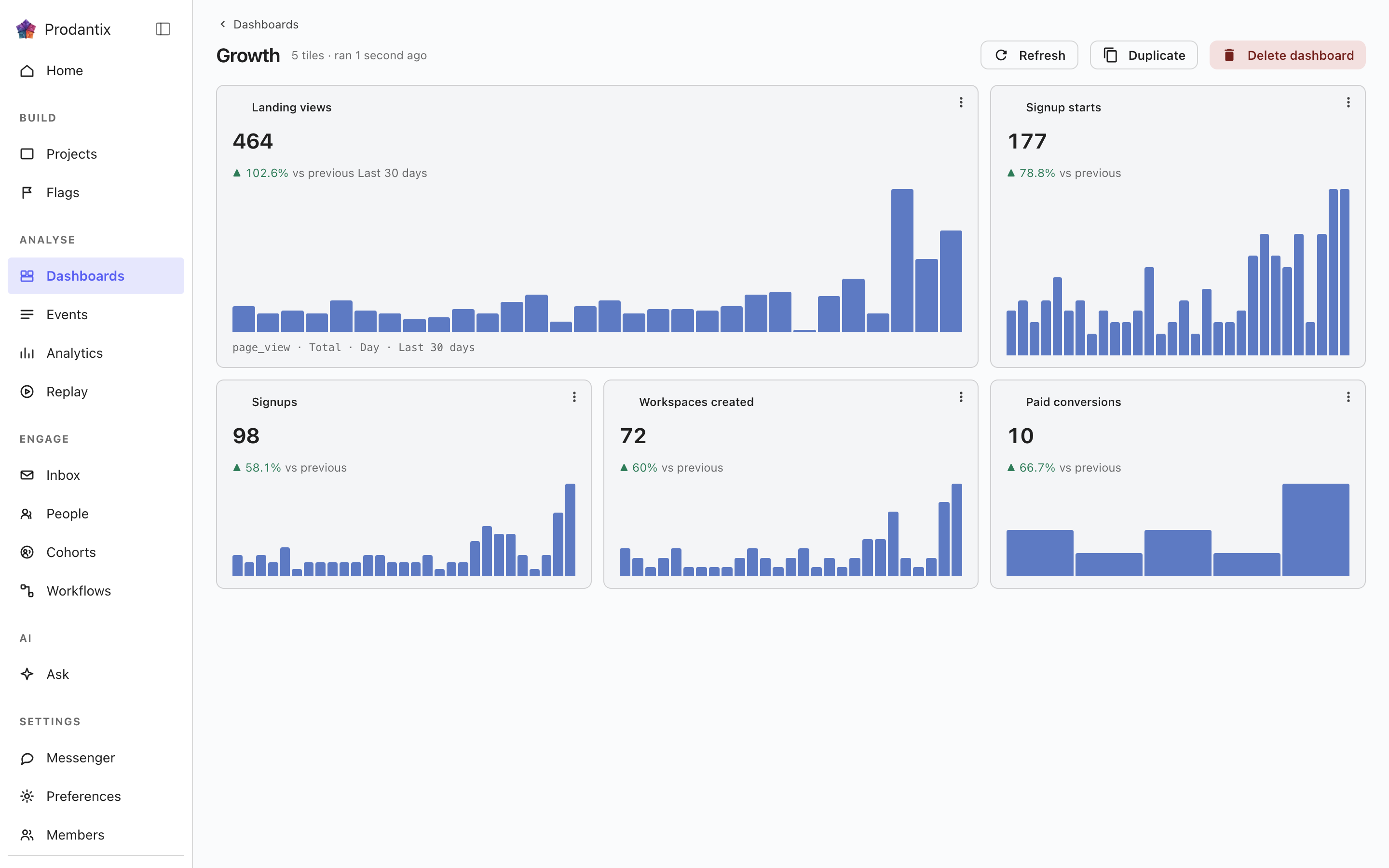
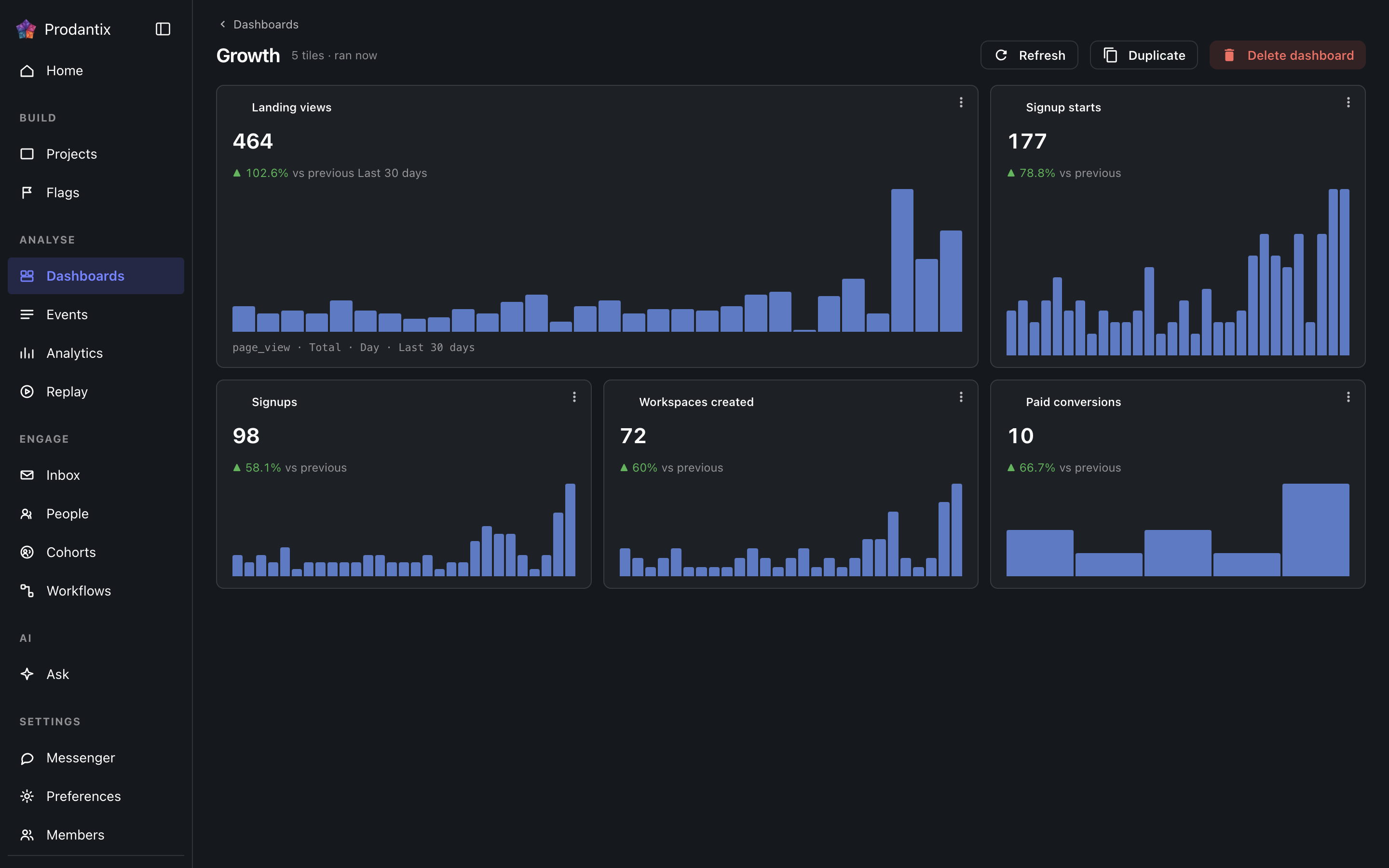
Each tile is one saved question: its title, the current total, a signed delta against the preceding window and a sparkline of the series. Tiles are added by asking a question in the Analytics workbench and pinning the result here; the pin dialog offers every existing board and a new one. A trend tile carries the whole query forward: every metric, any formula, its breakdowns and its compared period, so a re-run always answers exactly what was pinned. A tile that fails to load says so on the tile, with its own retry, rather than poisoning the board; Refresh re-runs every tile at once, and a tile's menu renames it, switches it between standard and wide widths, moves it along the grid, or removes it.
Insights
الرؤية سؤال محفوظ بأكمله: المحرر كما رُكِّب، ونوع التحليل، ونوع الرسم البياني الذي قُرئ فيه، تحت اسم. تُحفظ من قائمة Save في طاولة العمل، As an insight، ويُعاد فتحها من هنا أو من العنوان الذي تحمله طاولة العمل بصيغة ?insight=، مع استعادة المحرر والرسم البياني. تسمي البطاقة نوع التحليل على شارة، وتكتب السؤال بالكلمات مع نوع رسمه البياني، وتذكر متى حُفظت آخر مرة. تفتحها قائمتها، أو تعيد تسميتها، أو تثبتها في لوحة كبطاقة تحمل اسمها، أو تحذفها. الحذف يسأل أولاً، واللوحات التي حملتها كبطاقة تحتفظ ببطاقتها، لأن البطاقة نسختها الخاصة من الاستعلام. يطابق البحث الاسم والكلمات. الرؤية التي تحمل مراقبة تحمل شارة مراقبة بعد اسمها، بنبرة التحذير طالما تم تجاوز حدها.
يفتح نسخ إلى… في الصف نسخَ الإعدادات وهذا العنصر محدد سلفًا؛ انظر المشاريع، نسخ الإعدادات.
Where this meets the API
The concept behind the three tabs is the Analytics pillar. On the wire: the Boards tab is the dashboards query, the Reports tab is reports and the Insights tab is insights; boards change through createDashboard, updateDashboard and deleteDashboard (pinning a tile is an updateDashboard carrying the new tile), insights through createInsight, updateInsight and deleteInsight. A report is saved through createReport, read alone through report, changed through updateReport, renameReport, describeReport and moveReport, copied through duplicateReport, deleted through deleteReport and brought back through restoreReport; its history is reportVersions and Restore is restoreReportVersion, which writes a new version copying the chosen one. A report's public link is read through reportPublicLink, turned on or given a new stop day through setReportPublicLink and turned off through turnOffReportPublicLink, and reportShareChanges streams each change; shareReport sends it to teammates, with a note, by email and push. People talk about a report in threads, on the whole report or on one point of it: reportCommentThreads reads them, each with its first comment and latest two replies, reportCommentEarlierReplies reads the replies before those twenty at a time, startReportCommentThread starts one, replyToReportCommentThread answers it, resolveReportCommentThread and reopenReportCommentThread close and open it again, an author changes their own words through editReportComment and deleteReportComment, reactions come and go through addReportCommentReaction and removeReportCommentReaction, and reportCommentChanges streams each change. A report's tile carries only its reportId, and the board read fills the tile from the report, so every tile renders by running its query through runQuery (GraphQL reference). A run that names its report through reportId refreshes that report's public link when the query it ran is the one saved.