Mga proyekto
Kung saan ginagawa ang mga proyekto at nakatira ang kanilang mga kredensyal: bawat proyekto ay may Live at Test na kapaligiran, bawat isa ay may sariling ingest key at signing secret. May grace window ang pag-ikot para makahabol ang deploy, at isang beses lang ipinapakita ang sikreto, sa sandaling ginawa ito.
The grid
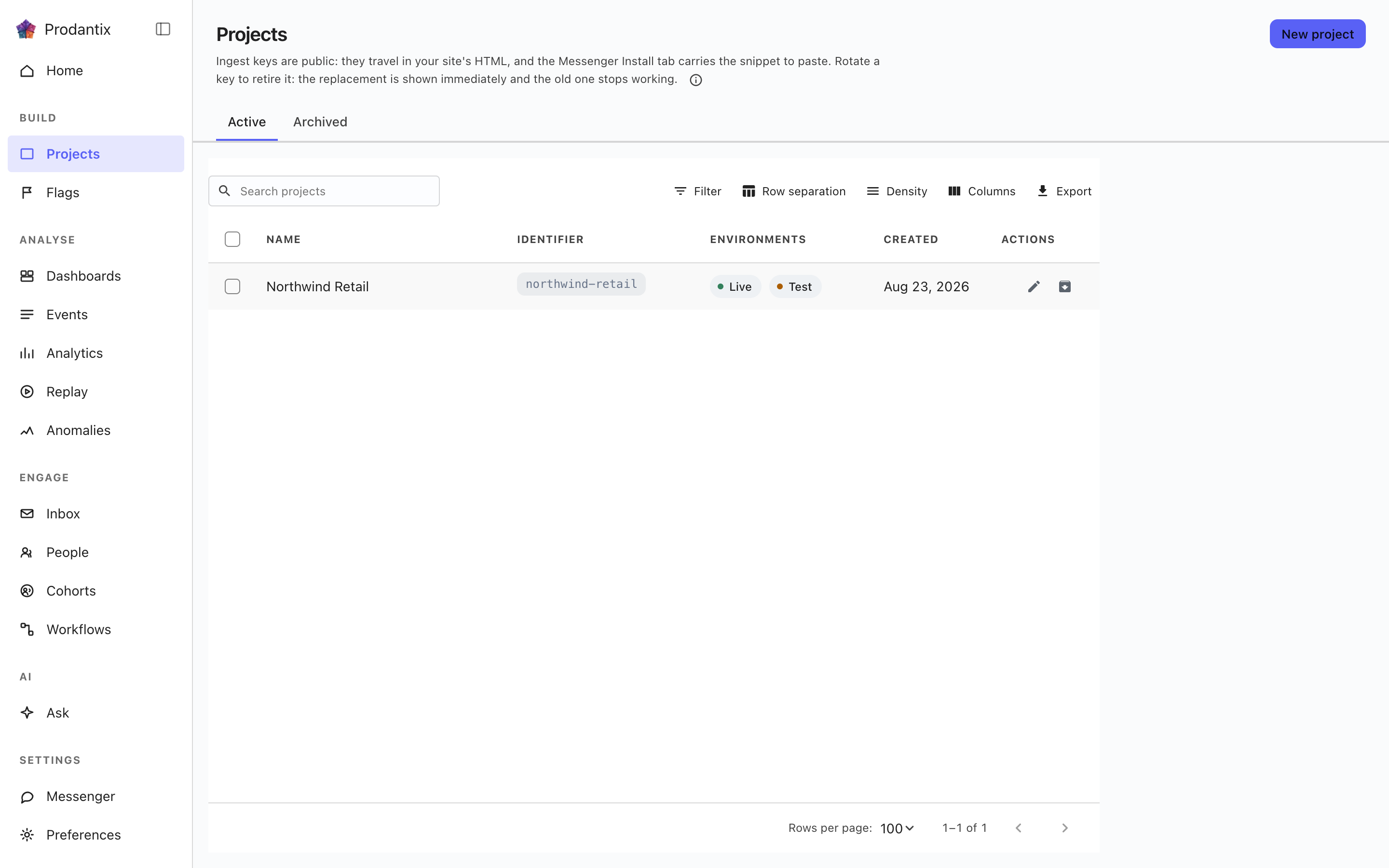
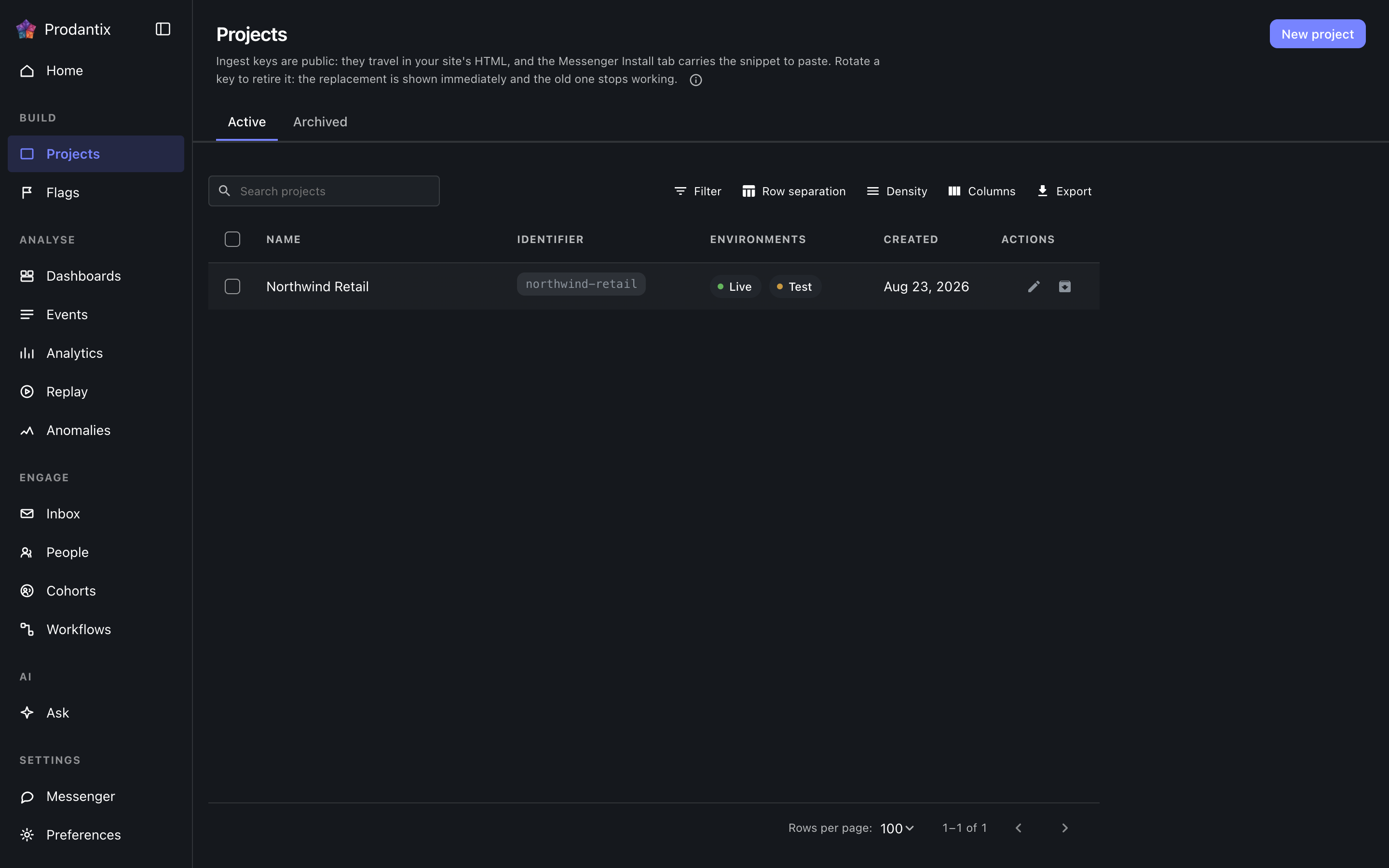
Each row is one project: its name, its identifier chip, which environments it carries, a masked glimpse of its ingest key and when it was made. The Active and Archived tabs split the population, the search narrows by name, and New project opens a dialog that creates the project and reveals both credentials for Live and Test in the dialog itself: the ingest keys, which stay readable on the Messenger Install tab, and the signing secret, which is shown only there.
Renaming and archiving live on the row. Archiving asks for the project identifier to be typed back, because an archived project stops accepting traffic; the Archived tab restores.
Opening a project
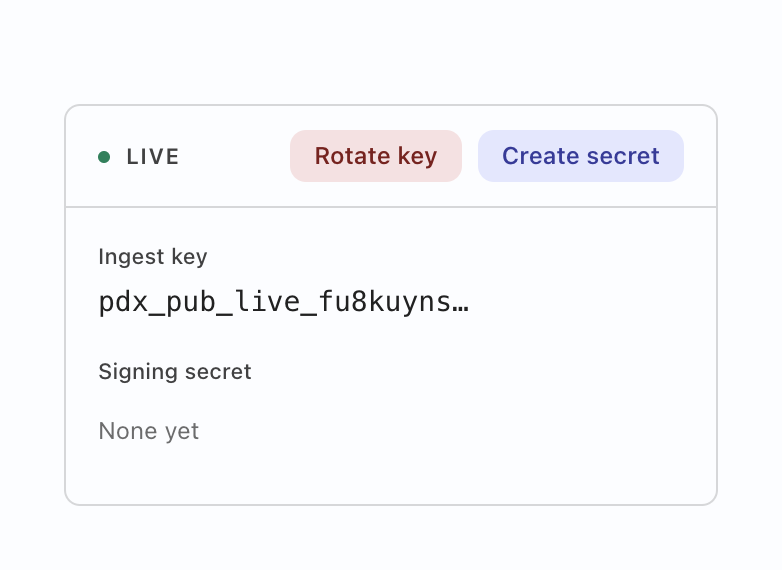
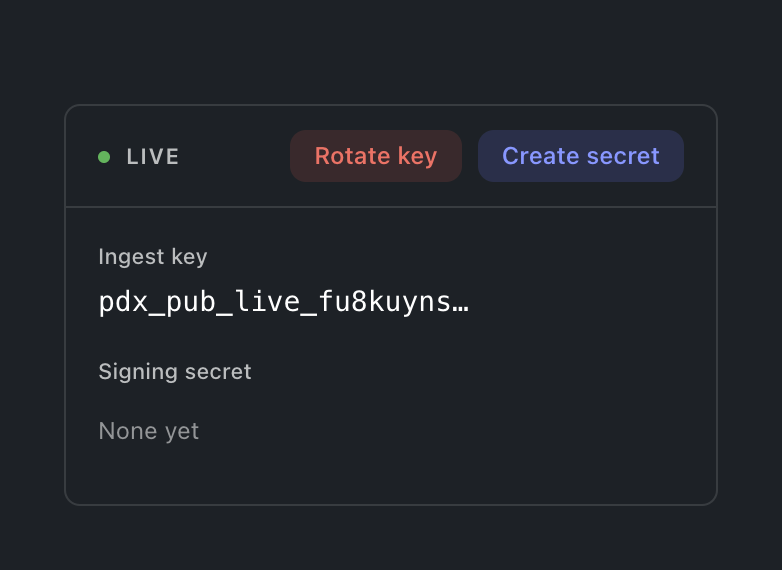
Selecting a row opens the project: a card for the environment the console is in, carrying both credentials labelled. Deliberately not both cards at once: showing the Test key while working in Live is a mix-up waiting to happen, so the other environment's card appears by switching environment. The ingest key is what SDKs send events with; rotating it offers a grace window (immediately, one hour, a day or a week) during which the old key still ingests, so a fleet mid-deploy does not drop events. The signing secret is what the Messenger's identity verification signs with; its action reads Create until one exists and Rotate after. Either mint prints the new value exactly once, and a replaced secret says it replaced one, so an accidental rotation is visible before it bites.
Pagsasanib ng bisita sa tao
Isang switch bawat environment sa card ng proyekto: Panatilihin ang aktibidad bago mag-sign in. Kapag naka-on, ang aktibidad ng isang tao bago siya mag-sign in ay nananatili sa kanya sa halip na ituring na hiwalay na bisita. Naka-off ito sa simula, at ang state worker ang bumabasa nito, hindi ang browser, kaya anuman ang ipadala ng isang SDK, hindi kailanman nangyayari ang pagsasanib para sa proyektong hindi ito pinili. Ang pag-off nito ay humihinto sa susunod na pagsasanib at walang binubuwag na naisanib na. Ang miyembrong walang write action sa proyekto ay nakikita ang switch sa kalagayang naroon ito at hindi ito kayang igalaw.
Pagkopya ng konfigurasyon
Lahat ng isinasaayos mo sa isang environment ay maaaring kopyahin papunta sa alinmang ibang environment ng alinmang proyekto sa workspace na ito, sa iisang operasyon na may ilang target. Binubuksan ng Kopyahin ang konfigurasyon sa pahina ng Mga Proyekto ang dialog nang walang laman; ang Kopyahin sa… sa isang cohort, flag, eksperimento, board, workflow o koneksyon ay binubuksan ito nang nakatsek na ang bagay na iyon. Piliin sa puno kung ano ang kokopyahin (kinukuha ng isang uri ang lahat ng nasa ilalim nito, at pinapaliit ito ng filter), piliin kung saan, saka suriin ang isang target sa bawat pagkakataon: sinasabi ng bawat bagay kung ito ay gagawin, papalitan, mananatiling walang bago, nangangailangan ng bagay na wala sa target (idagdag ito o ibaba ang bagay), o tinanggihan, at ipinapakita ng pagpapalit ang bawat field na magbabago bago pa may maisulat. Ang mga switch (ang serve switch ng isang flag, ang on at off ng isang workflow, ang pagkabukas ng messenger, ang running status ng isang eksperimento, ang active switch ng isang cohort) ay sumasama lamang kapag naka-on ang Kopyahin din ang mga switch sa pagsusuri. Ang target na nangangailangan ng pagsusuri ay ginagawang mga change request ang mga flag nito. Nag-aaply ang bawat target nang mag-isa, kaya hindi kailanman napipigil ng isang pagtanggi ang iba.
Where this meets the API
What the keys are for is the Keys guide. On the wire: the listing is the projectGroups query, creation and lifecycle are createProject, renameProject and archiveProject, the credentials rotate through rotateProjectKey and rotateSigningSecret, and the Identity switch reads identityLinkEnabled and writes setIdentityLinkEnabled (GraphQL reference). The ingest key authenticates event ingestion; the signing secret backs Messenger identity verification (Messaging pillar).